Christmas has a way of looking far off right up until it isn't. The good news: most of what makes December hard (guessing, double-buying, losing track of who you've covered) is solved by a few small habits you can start today, in a few minutes each.
Here are the ten we'd pick. Try one this week, and come back for the next.
1. Ask someone for their wishlist
Not sure what to get your brother? Don't guess. Ask him, without making it awkward.
Open his page in your gift list and tap Ask with his name. Wishpile gets a link ready, and you send it however you like: a text, an email, any app. He makes a wishlist on Wishpile, and every wish shows up on his page in your list as he adds it. Tap I'll get this on the one you want, and it's in your plan.
The best part: he never sees what you claimed, so the surprise survives. And if anyone else shops from that same wishlist, they see it's taken, so nobody doubles up.
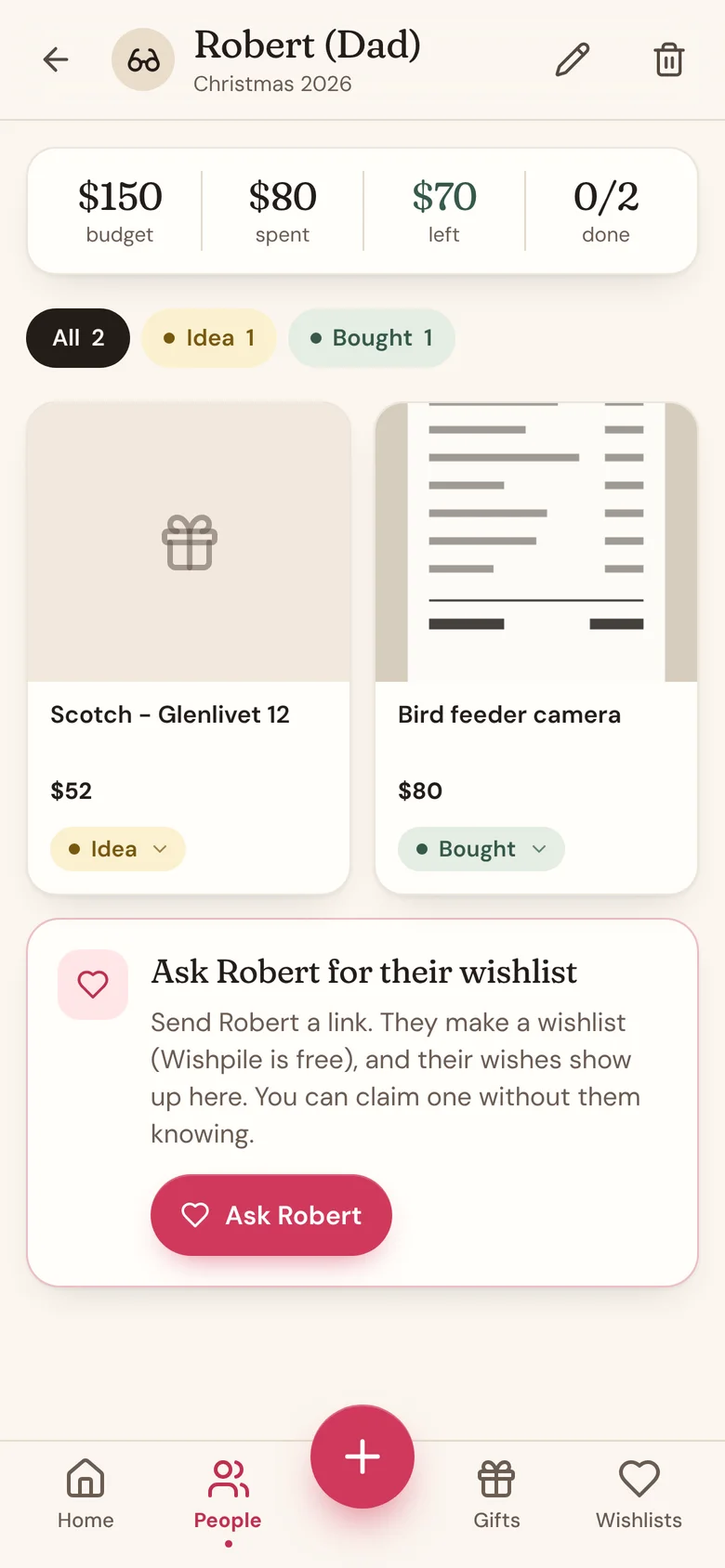
How to ask someone for their wishlist
2. Paste a link the second you see a gift
The perfect gift usually turns up mid-scroll at 11pm, and by morning it's gone. Don't trust a mental note.
Copy the product link, open the person's page, tap the + button in the middle of the bottom bar, and paste it. Wishpile fills in the name, price, store, and a photo in a few seconds. Leave it as an Idea for now. By December you'll have a real list instead of "wasn't there a candle thing?"
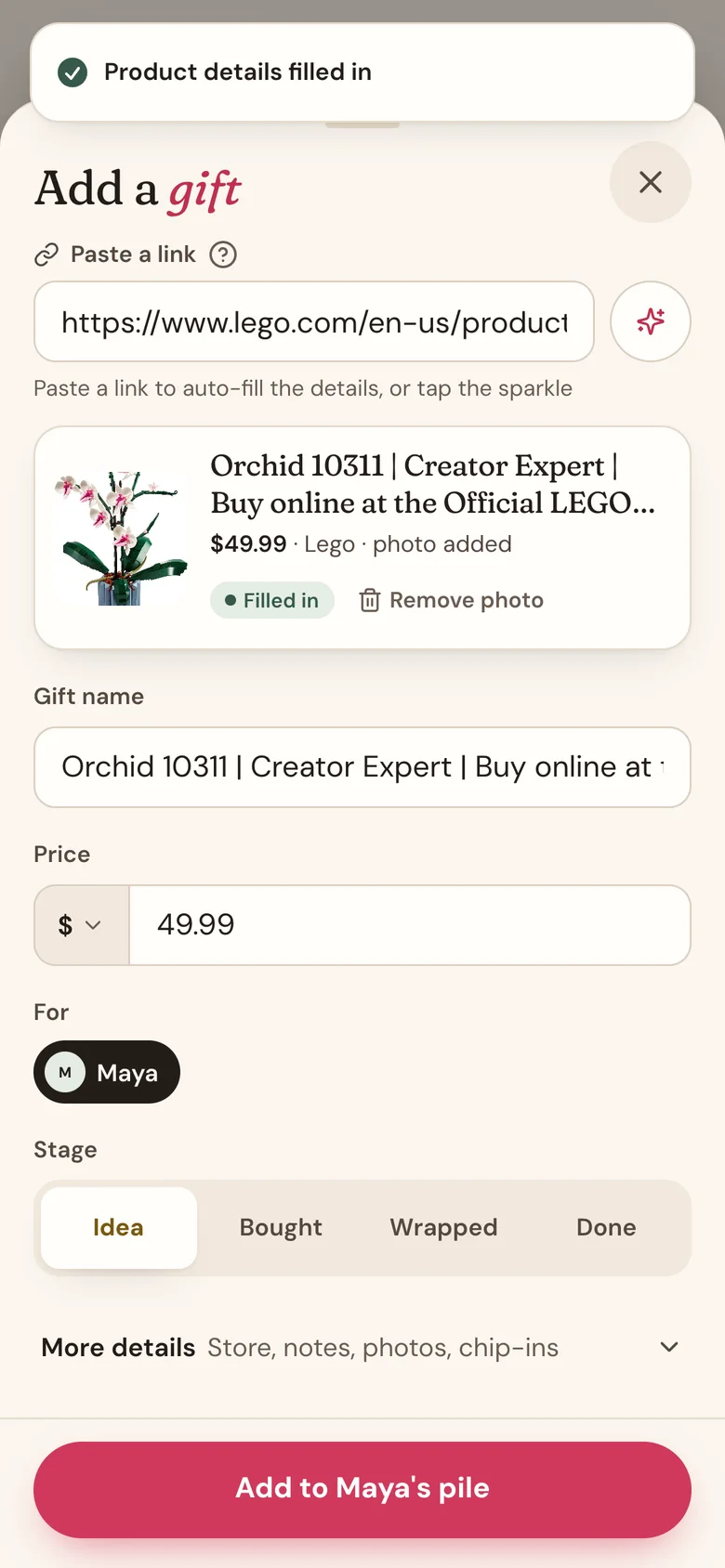
3. Start a wishlist group for the family
A group text is where gift ideas go to get lost. A wishlist group puts everyone's wishlists in one place, so the whole family can see what each person would love and quietly claim gifts.
Tap +, then Wishlist group, give it a name like "Smith Family Christmas", and add your family. Each person gets their own link to make a wishlist, with no account needed. Link the group to your Christmas gift list and everyone's wishes show up right on their page while you plan.
On days there's something new in the group, like fresh wishes or claimed gifts, Wishpile sends one short email, so you know when to take a look. It never says who claimed what.
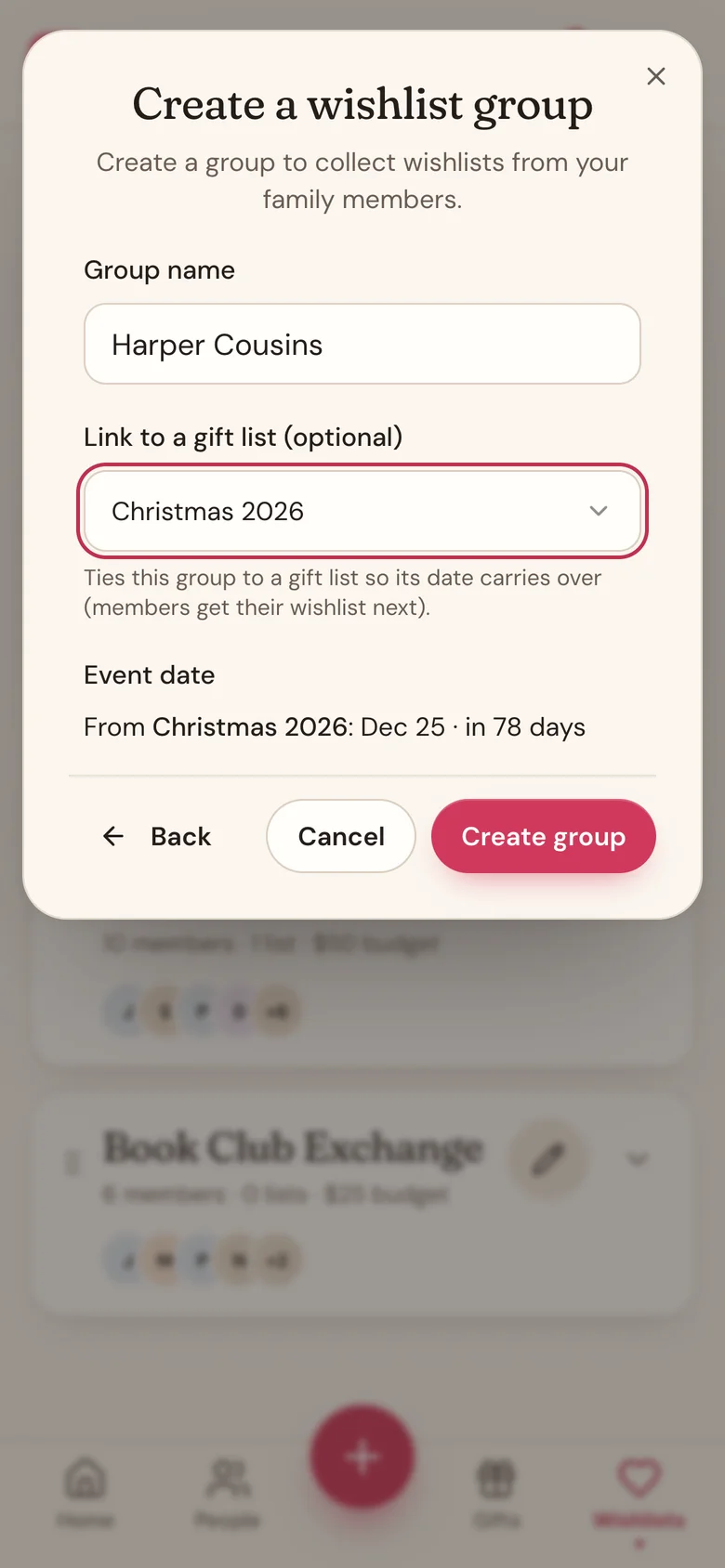
4. Make your own wishlist, and mark your must-haves
The people shopping for you are guessing too. Help them out.
Tap Wishlists, start a wishlist, and paste in links to things you'd love. Tick This is a must-have item on the ones that matter most, so people can tell "get this" from "get this if it's easy." Then tap the share icon and send the link, or let Wishpile email it with photos of your wishes.
You'll never see what's been claimed. That's on purpose: your wishlist stays useful without ruining a single surprise.
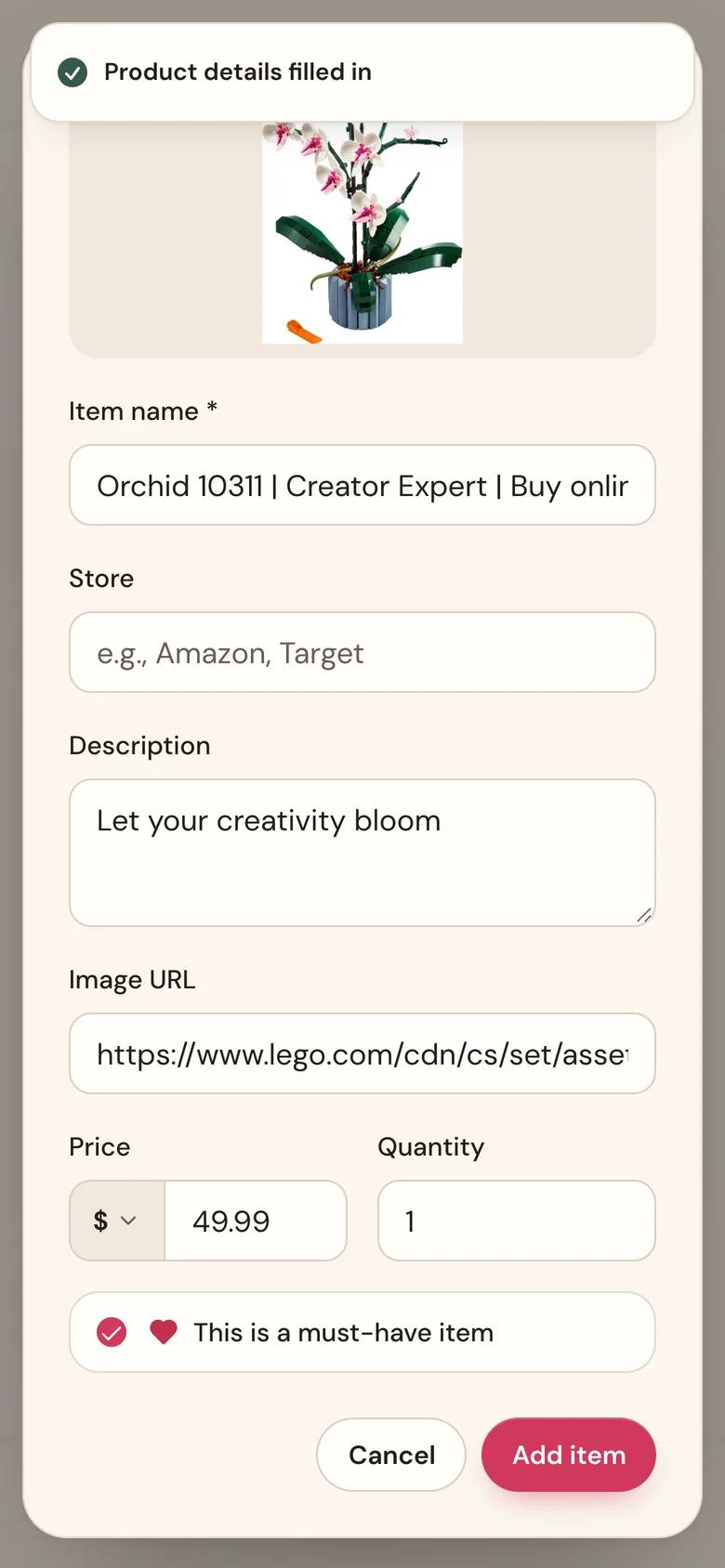
Make your own wishlist and share it
5. Run your Secret Santa in Wishpile
No hat, no slips of paper, no "wait, I drew myself."
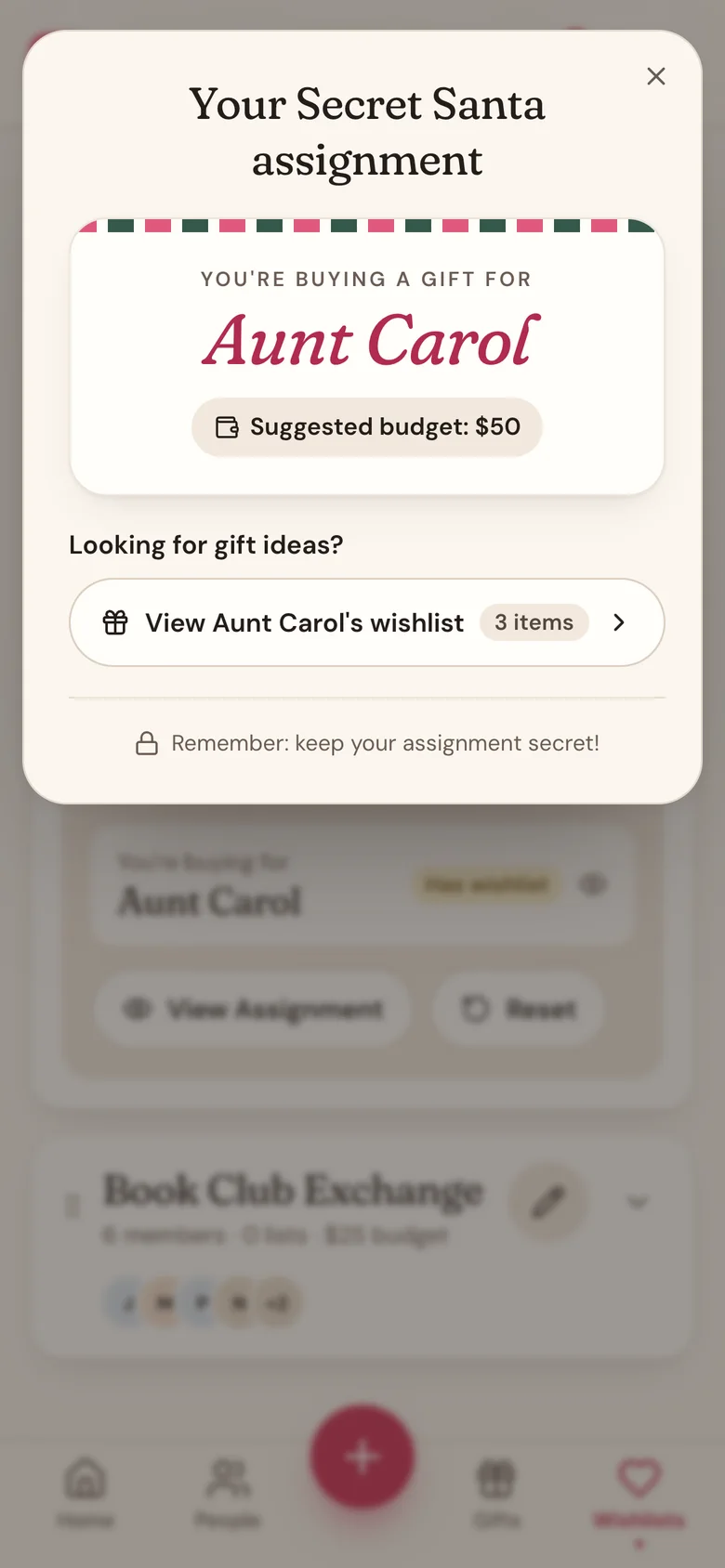
Tap +, then Secret Santa. Add a name, a date, a suggested budget, and everyone taking part. Wishpile emails each person an invite to add their wishlist. When everyone's in, draw names with one tap, and each person sees only their own match.
Two extras people love: keep couples from drawing each other, and message the person you drew to ask a question without giving yourself away.
6. Give everyone a budget
It's easy to spend twice as much on one niece as the other without noticing. A budget per person fixes that.
Open someone's page, tap the pencil icon, and type an amount in Budget. Their page then shows what you've spent and what's left, and Home adds it up for the whole list. Anyone over budget shows in coral, so it's hard to miss.
Planning with someone looking over your shoulder? Tap the eye icon on the Budget card and the amounts turn into dots.
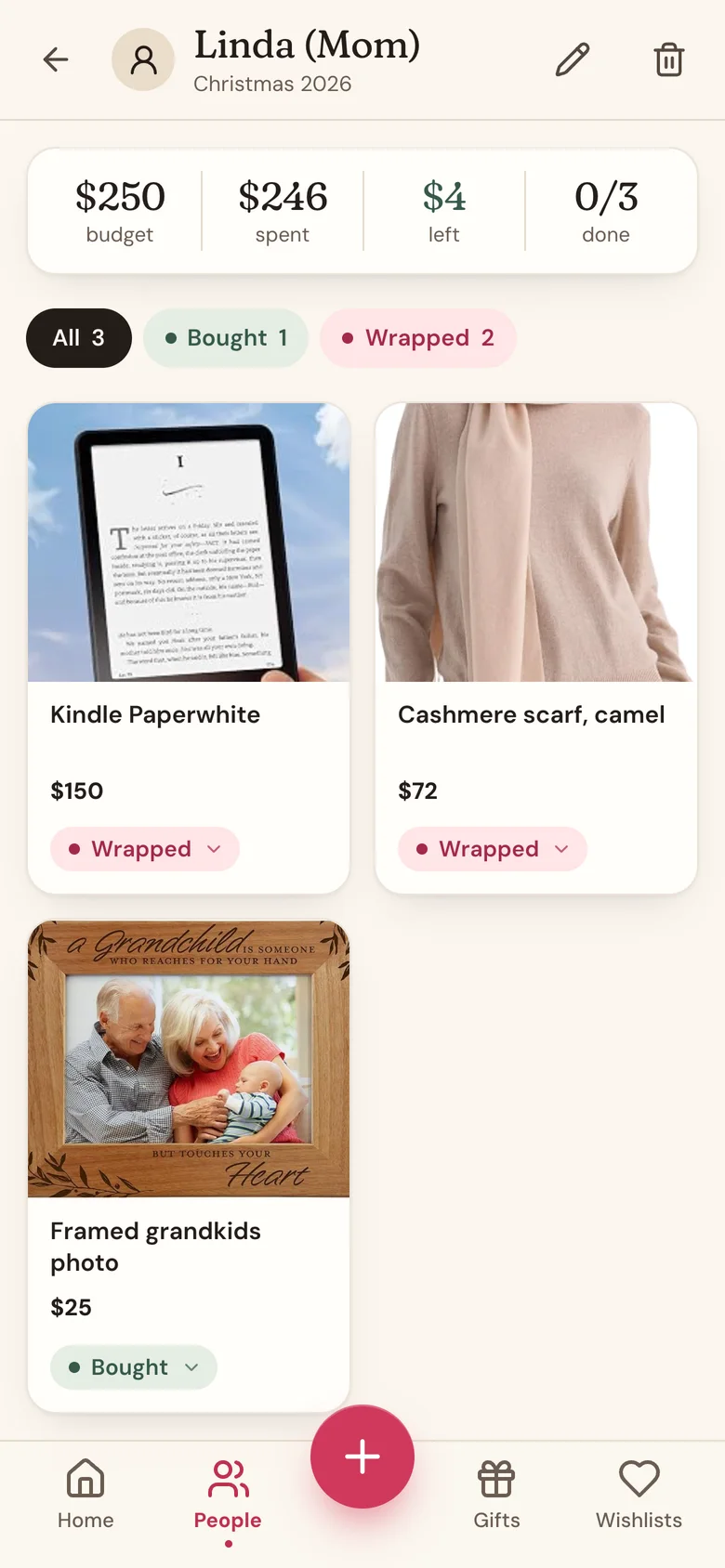
Set budgets and track what you've spent
7. Move gifts from Idea to Wrapped
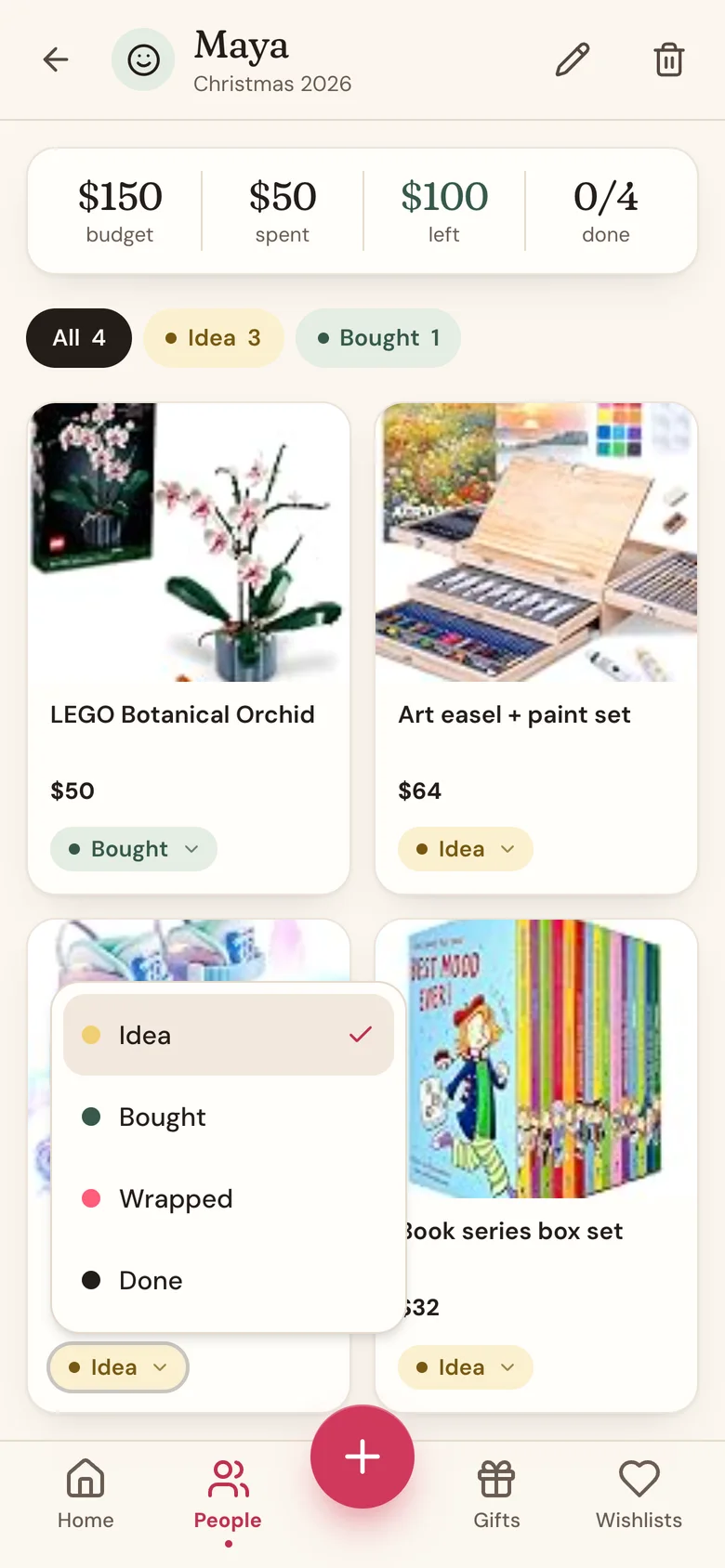
Every gift sits in one of four stages: Idea, Bought, Wrapped, and Done. Tap the stage pill on a gift to move it along. It takes two taps.
It sounds small, but it's what lets you glance at Home on December 20 and see exactly what's left: the Gift progress card shows how far along everyone is, person by person. Only gifts you've bought count toward the budget, so your totals stay honest.
8. Snap the receipt
Returns are painless when the receipt lives with the gift. Open the gift, tap Add a receipt or photo, and take a picture. While you're at it, add a photo of the exact color or size you picked, so you're not guessing in January either.

Add photos and receipts to a gift
9. Plan alongside your partner
If you buy gifts with someone, two separate lists means double the guessing. Create a household instead, and you'll share your gift lists, your people, and one budget.
Go to Profile settings, find the Household card, name it, and invite your partner by email. One thing to do first: link your partner's entry on your list to them, so they can't see what you're getting them.
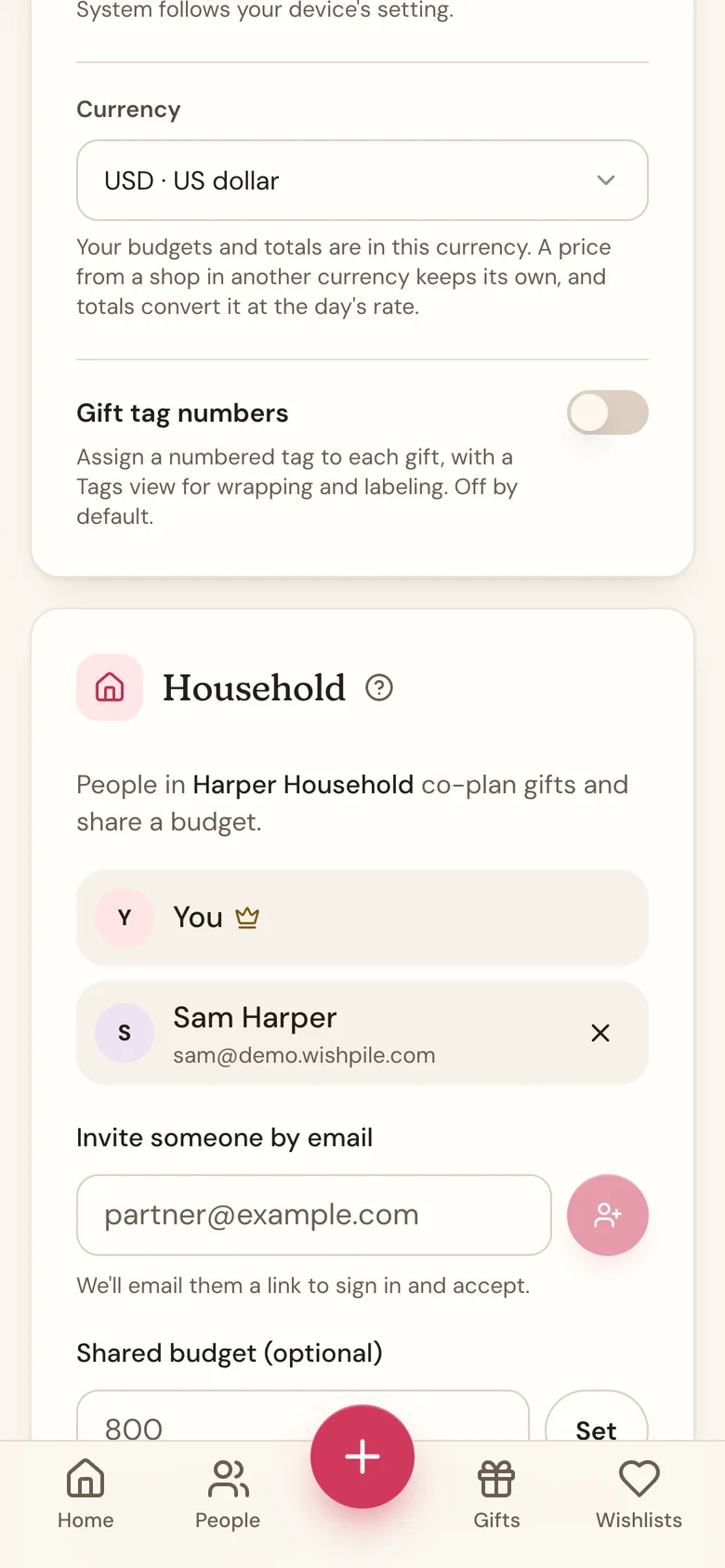
Create a household with your partner
10. Keep Wishpile one tap away
Wishpile runs in your phone's browser, but you can add it to your home screen, where it opens full screen like any app. On iPhone, open wishpile.com in Safari, tap the Share button, then Add to Home Screen. On Android, use Chrome's menu and Add to Home screen.
Then let the bell at the top do the remembering. It flags who has no gift yet, who's over budget, and when a date is two weeks away, and it clears itself once you've sorted each one.
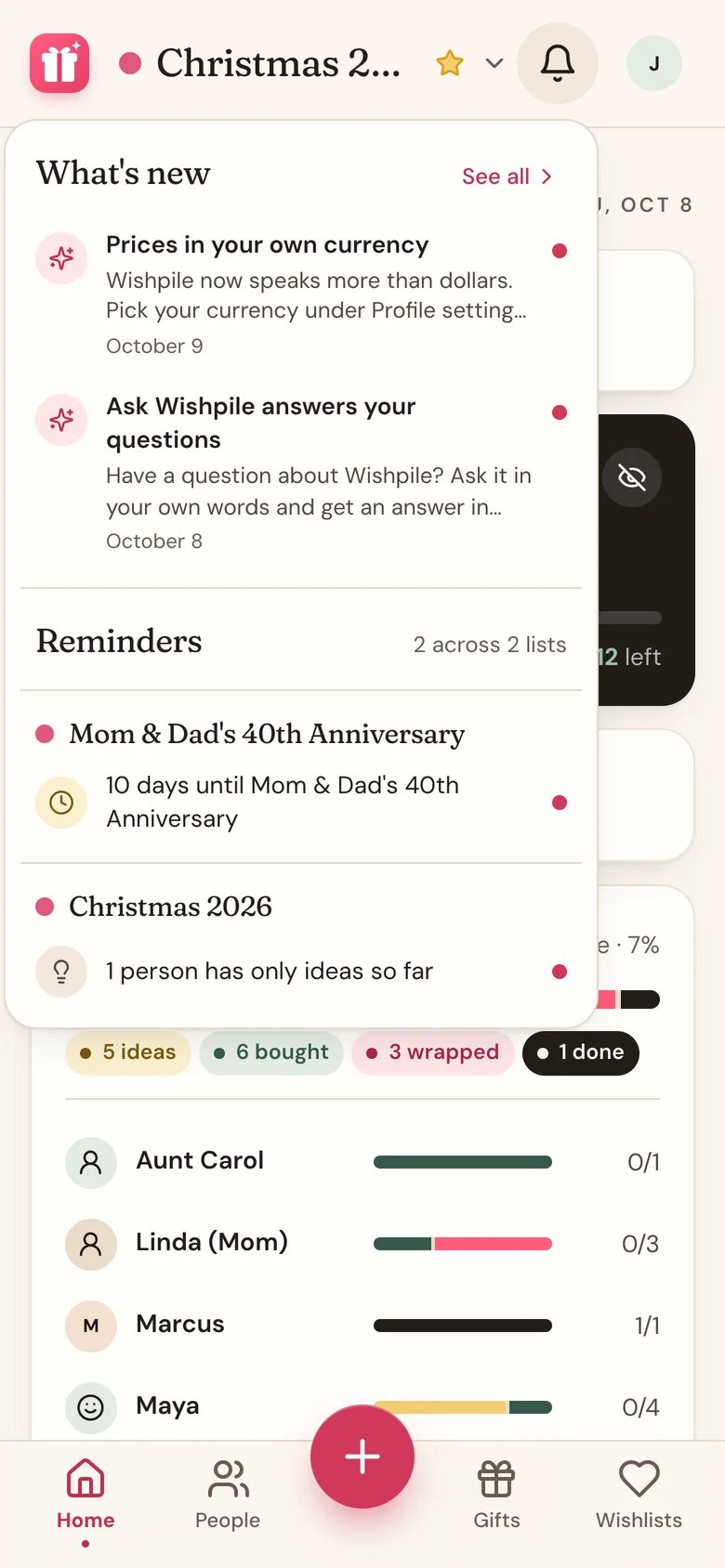
Add Wishpile to your home screen and how reminders work
One more: ask Wishpile, or ask your AI assistant
Got a question? Tap the circle with your initial at the top right, then Ask Wishpile, and ask in your own words. And if you use ChatGPT or Claude, you can connect Wishpile and ask "how's my Christmas shopping going?" straight from there.
Pick one tip and try it today. Your December self will thank you.