A wishlist is your own running list of things you'd love. Add something the moment you think of it, so you never forget it and the people who shop for you always know what to get.
Steps
- Tap Wishlists in the bottom bar.
- Tap the + button in the middle of the bottom bar, then New wishlist at the top. (Your very first time, you can also tap Create your first wishlist.)
- Type a Wishlist name, like "Birthday" or "Someday", and tap Create wishlist. Your new wishlist opens.
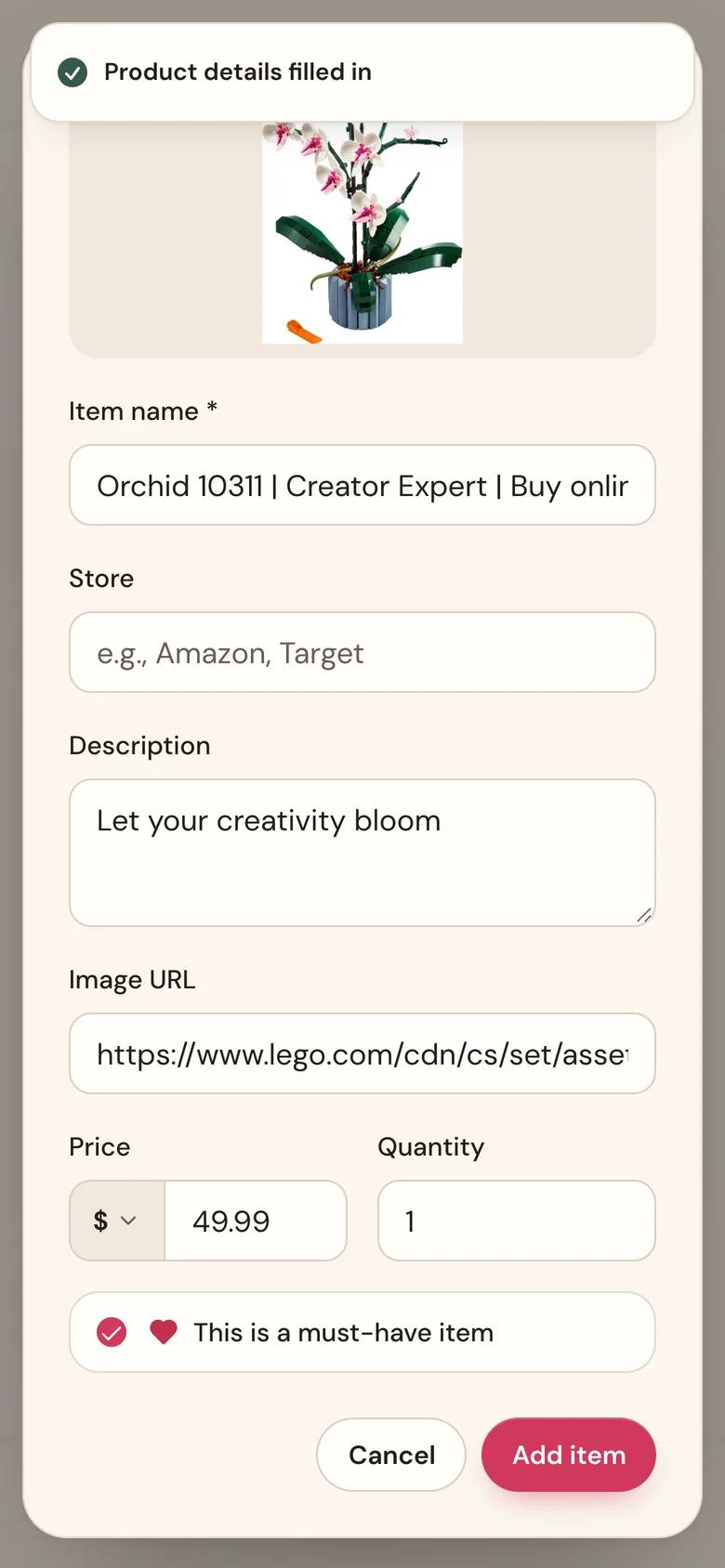
- Tap the + button, then Wish on your list's name (or tap Add first item). In Product URL, paste a link from any store's website. Wishpile looks it up and fills in the Item name, Store, Description, Price, and a photo. It takes a few seconds.
- Check the details. Change Quantity if you'd like more than one, and tick This is a must-have item for the things you'd love most.
- Tap Add item.
No link? Type it in
Skip the link and type an Item name. That's the only thing you need. Add a Price if you know it, so it counts toward your totals. Things like "Donations to the food bank" or "Concert tickets" work great this way.
A link from a shop in another country keeps that shop's currency. Tap the symbol to the left of Price to change it. See Prices in other currencies.
Your wishlist page
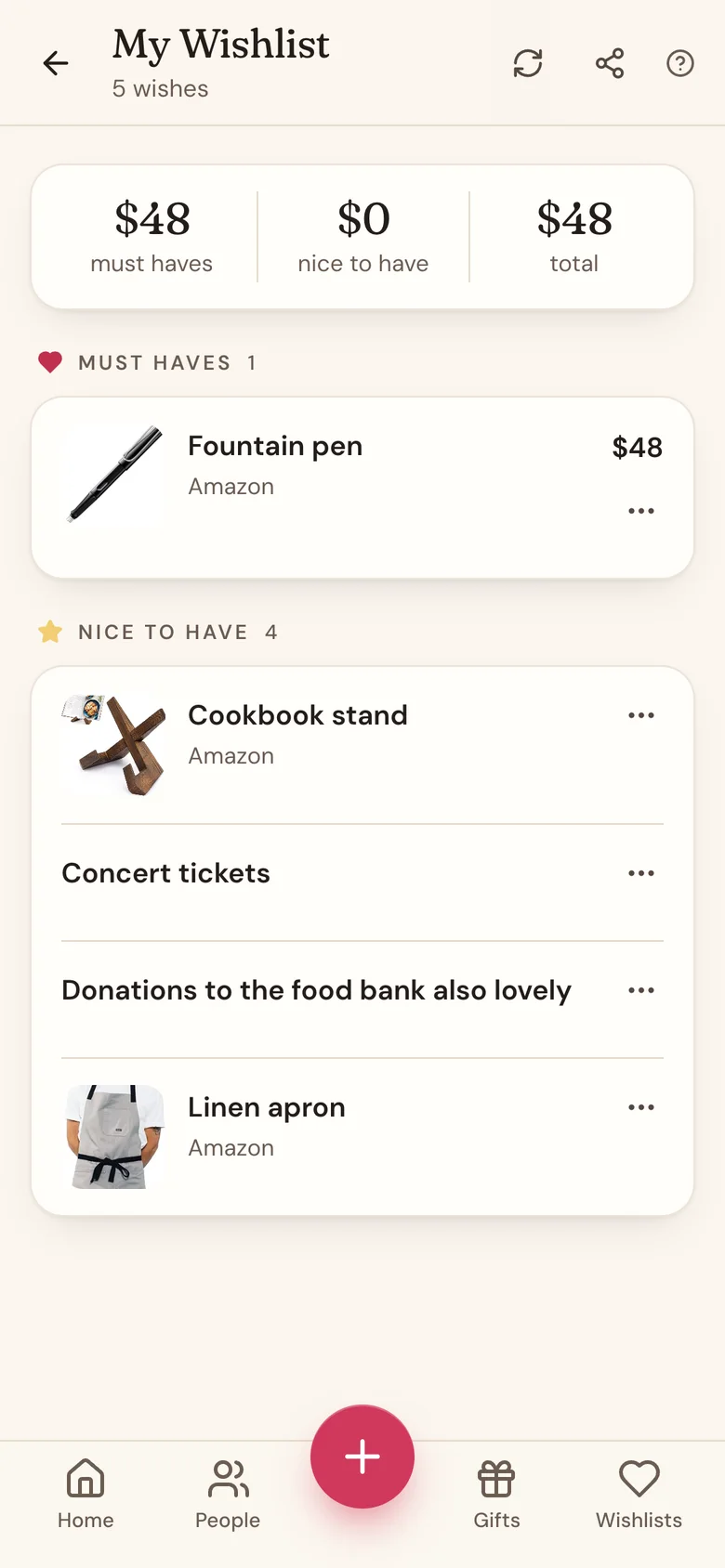
At the top you'll see three totals: must haves, nice to have, and total. Each item counts its price times its quantity. A price in another currency is converted to yours at the day's exchange rate, and the total then says about. Below that, your items are grouped under Must haves and Nice to have. Tap any item to see its details.
Good to know
- Make as many wishlists as you like: one for Christmas, one for your birthday, one for someday.
- Nobody sees a wishlist until you share its link or show it under a person.
- Pasted a link but nothing filled in? Tap the sparkle button next to the link to try again. Some stores block lookups; if that happens, type the details in.
- If you typed a detail yourself, the link lookup won't overwrite it.
Related
Still stuck?
Ask Wishpile and get an answer in seconds, or email support@wishpile.com and a real person will get back to you. Quick answers live in the FAQ.