Made a typo, changed your mind, or need a new date? Lists, people, and gifts can all be edited or deleted. Each lives in its own spot.
Edit or delete a list
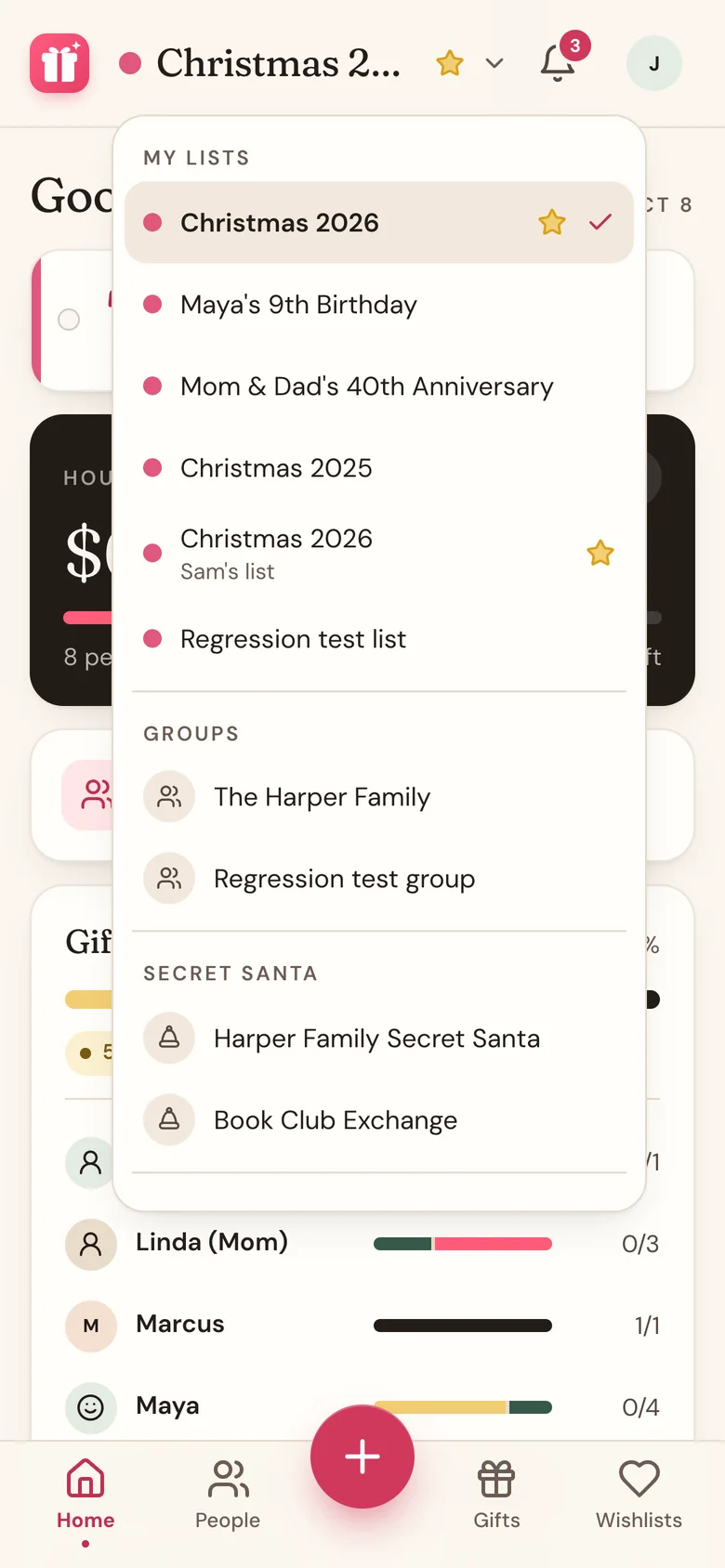
- On Home or People, tap the list name at the top.
- Tap Edit list.
- Change the List name, Countdown date (optional), or Color, then tap Save changes.
- To delete it instead, tap Delete list at the bottom, then Delete.
Edit or delete a person
- Tap People, then tap the person.
- Tap the pencil icon at the top right to change their Name, Budget (optional), or Icon, then tap Save changes.
- To delete them, tap the trash icon next to the pencil, then Delete.
Edit or delete a gift
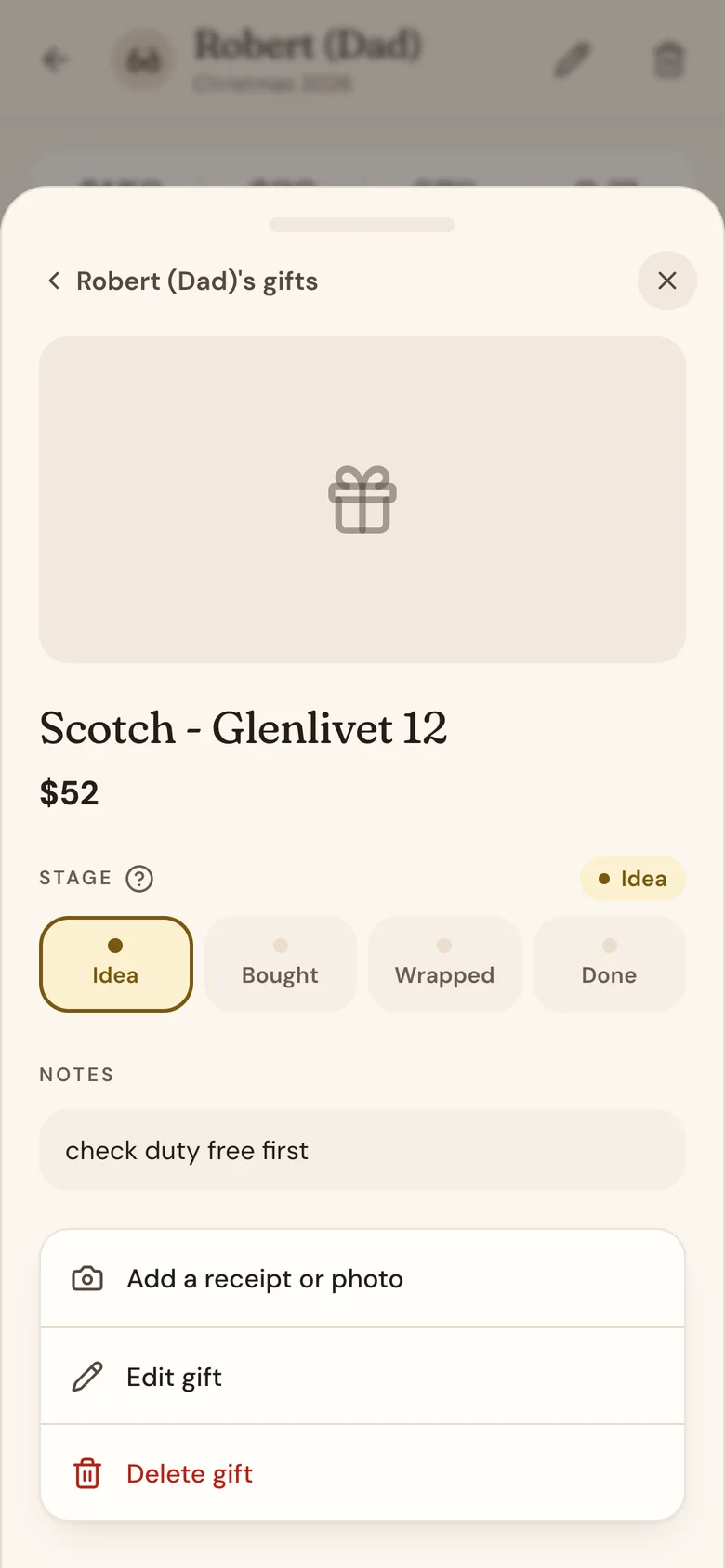
- On the person's page, tap the gift.
- Change its stage or notes right there, or tap Edit gift to change anything else, then Save changes.
- To delete it, tap Delete gift, then Delete.
What deleting removes
- A list: every person on it and all their gifts.
- A person: all of their gifts.
- A gift: its photos, receipts, and chip-ins. If you claimed it from someone's wishlist, your claim goes too, so the wish shows as available again.
Nothing can be undone. Wishpile asks you to confirm each delete, and once you tap Delete it's gone for good.
Good to know
- Edit list only shows when one of your gift lists is picked, not a group.
- Last year's list doesn't need deleting. Archive it instead: it leaves your list switcher but stays as a record of what everyone got, ready to clone next season.
- If you're helping with someone else's gift, you can edit or delete that gift, but not the person.
Related
Still stuck?
Ask Wishpile and get an answer in seconds, or email support@wishpile.com and a real person will get back to you. Quick answers live in the FAQ.