Kids don't need an email or an account to have a wishlist. Add your child to your family group, keep their list up yourself, and everyone in the group can see what they'd love and quietly claim gifts. Your child has one list, so if they're in more than one group (Mom's side and Dad's side, say), every group shows the same list.
Steps
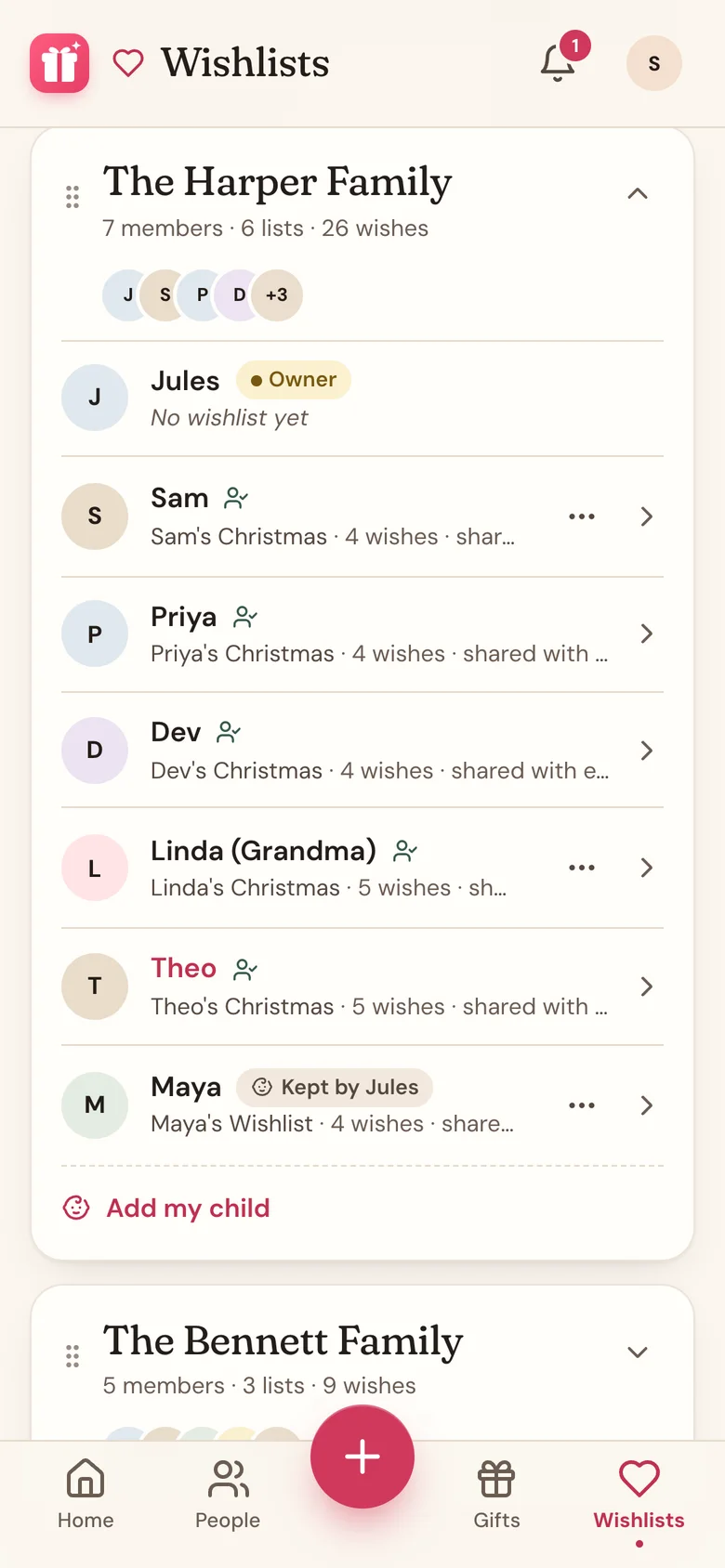
- Tap Wishlists in the bottom bar, then tap your group's card to open it.
- Tap Add my child at the bottom of the card. Anyone in the group can do this, not only the person who runs it.
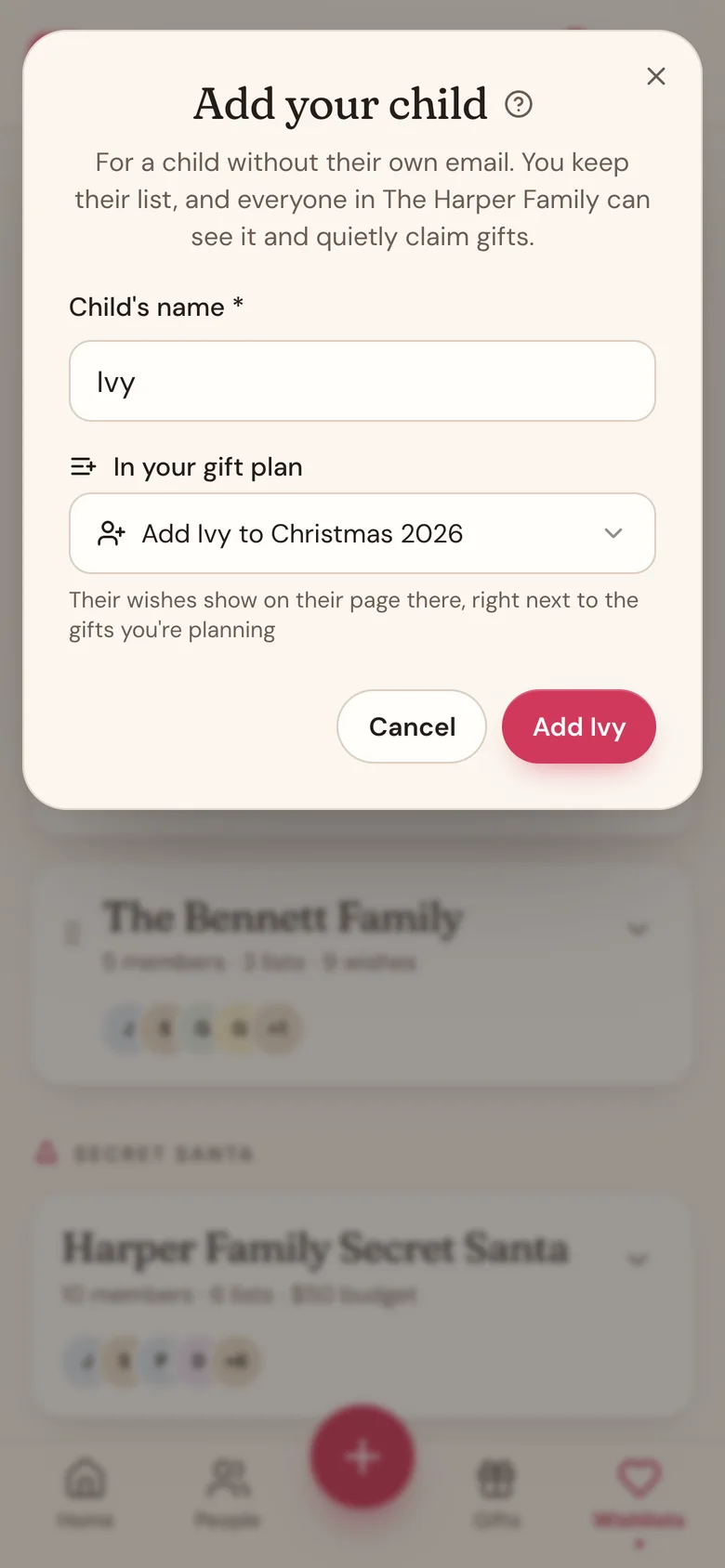
- Type your Child's name. Already added them to another group? Pick them under Who? instead, and their list comes with them, wishes and all.
- Under In your gift plan, choose where their wishes should show in your own planning: add them to your current gift plan, pick them if they're already there, or choose Not in my gift plan.
- Tap Add with their name. Their wishlist is ready in the group.
- To add wishes, open their list from Your kids on the Wishlists tab and tap the + button, the same way you add to your own.
What everyone sees
- In the group, your child's row says Kept by with your name, so grandparents know who to ask.
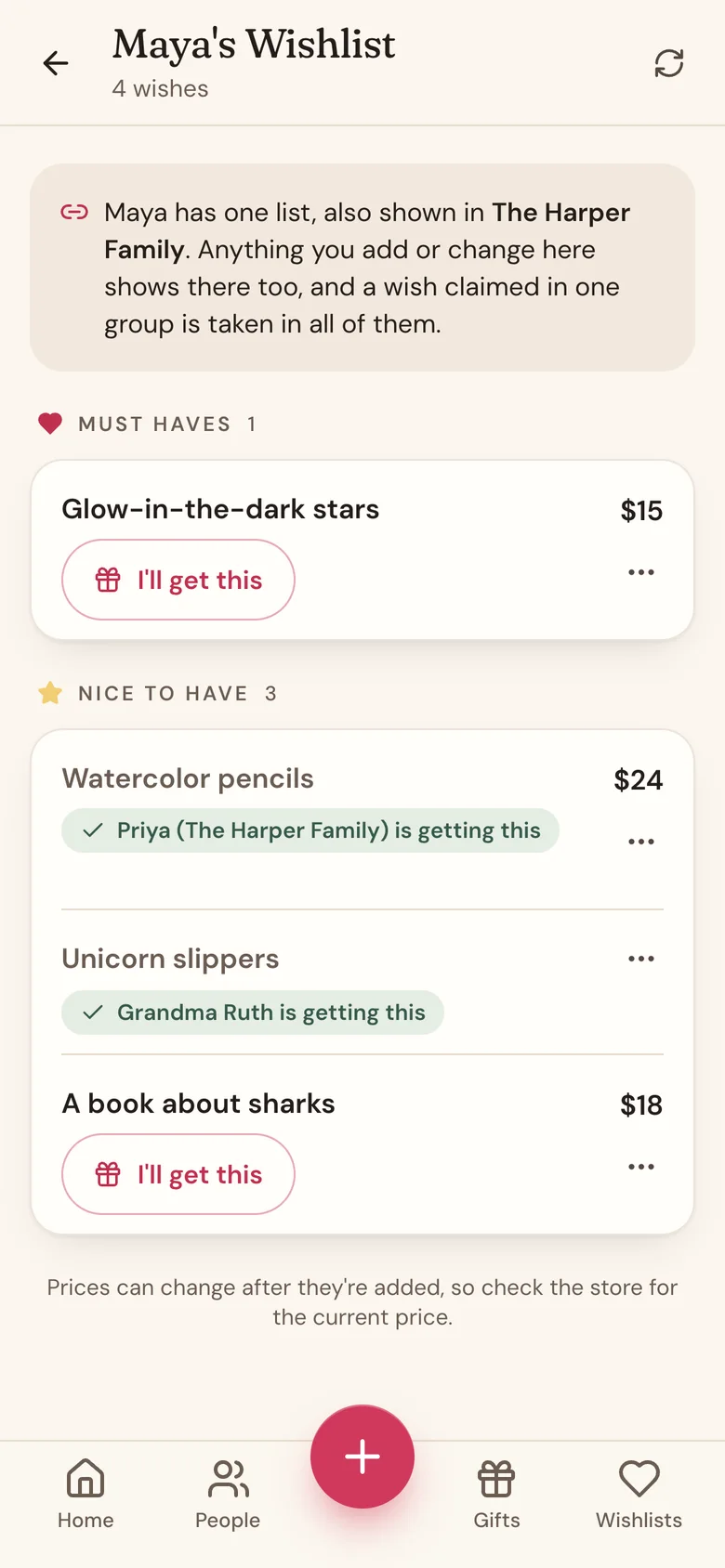
- Everyone in the group can open your child's list and tap I'll get this, just like on anyone else's list.
- You see which of your child's wishes are claimed, and by whom, so you don't buy the same thing. Your child never sees it.
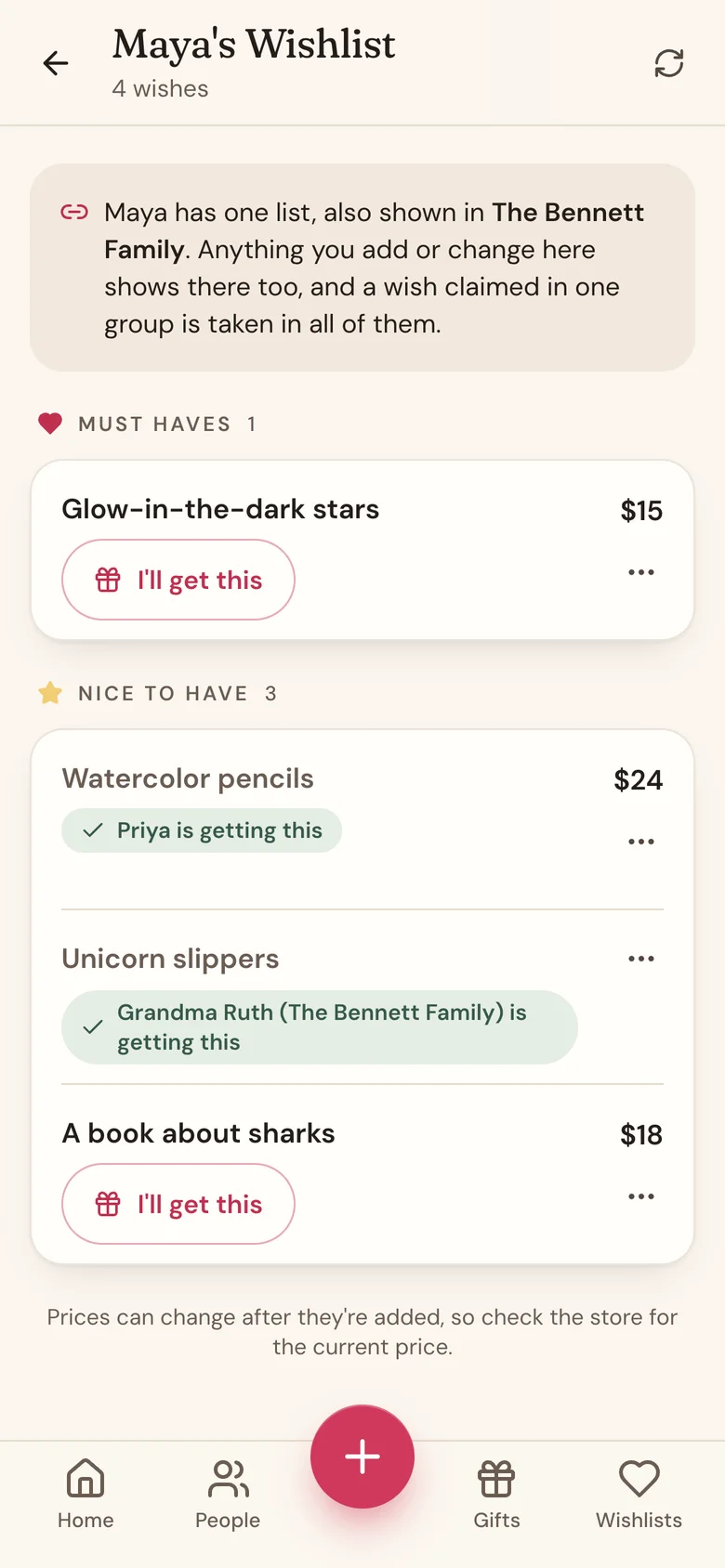
- A gift claimed in one group shows as taken in your child's other groups too, so nobody doubles up across the family. Shoppers there see Someone is getting this; you see who, and in which group.
Good to know
- Your household partner can keep your child's lists too. See Create a household with your partner.
- Your child's wishes show at the top of their page in your gift plan, under From wishlists, with your gifts for them underneath.
- Anything you add, change or delete on your child's list shows in every group they're in.
- To share your child's list with someone who isn't in a group, tap the share button on their list under Your kids. Anyone with the link can see it and claim a gift, and claims there show in the groups too.
- Got an older child with a tablet? Tap the ... button on their row and Copy share link. Their link lets them add wishes and shop everyone else's lists, and never shows what's been claimed on their own.
- To take your child out of a group, tap the ... button on their row, then Remove with their name. Their list leaves that group and stays in their other groups.
Related
Still stuck?
Ask Wishpile and get an answer in seconds, or email support@wishpile.com and a real person will get back to you. Quick answers live in the FAQ.