Someone added you to a Secret Santa on Wishpile. There are two things to do: add your wishlist so your Santa knows what to get you, and set up an account so you can see who you drew.
Steps
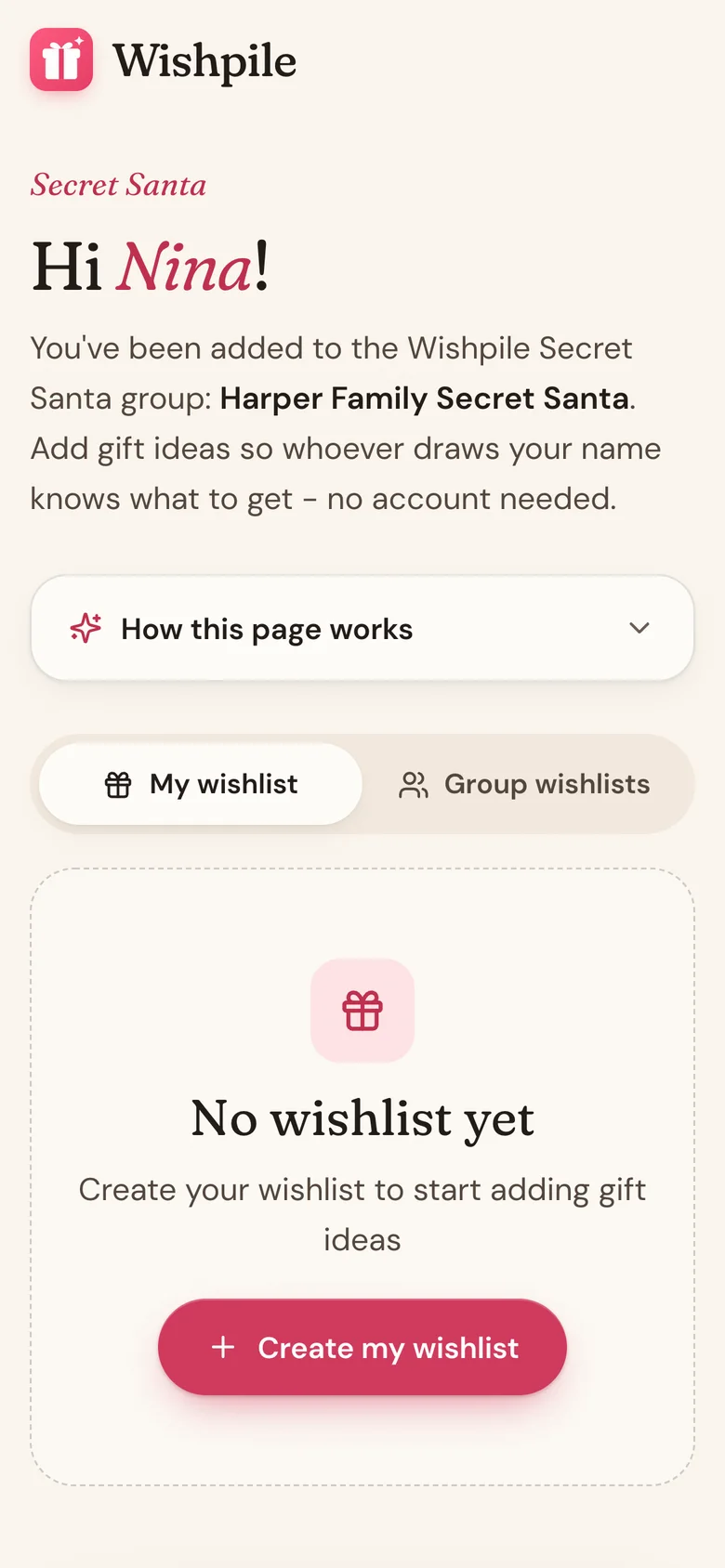
- Open your invite email and tap Add my wishlist. You don't need an account for this part.
- Tap Create my wishlist, then tap Add item for each thing you'd love. Paste a store link and the details fill in on their own.
- To see who you drew, create a free Wishpile account with the same email address your invite went to. The invite email has a Create your free account link.
- Confirm your email when Wishpile asks. Your Secret Santa links to your account on its own.
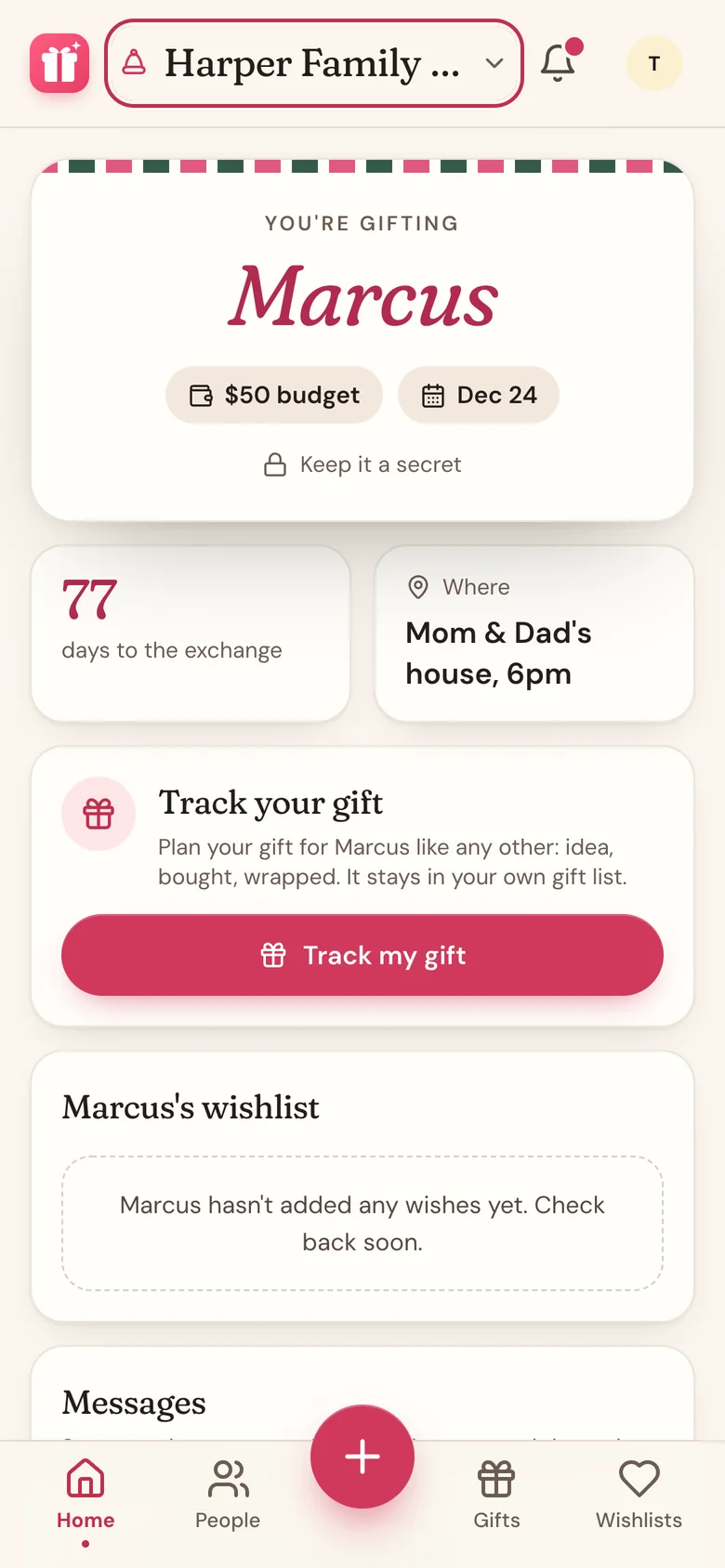
- Once names are drawn, tap the name at the top of Home and pick your group under Secret Santa. Home shows who you're gifting and their wishlist.
Good to know
- Your invite link is only for your wishlist. Who you drew shows up only inside your account.
- Already have a Wishpile account under the invite email? Just log in and the group appears.
- Signed up with a different email? The group can't find you. Ask the organizer to change your email to the one you use for Wishpile, then open Wishpile again.
- Nobody sees who drew whom, not even the organizer.
Joined from an invite link?
If the organizer sent you a link instead of an email, open it and tap Join the Secret Santa. New to Wishpile? Tap Sign up free to join and you'll come straight back to the group once you're signed up. Your wishlist is made for you, ready to fill in.
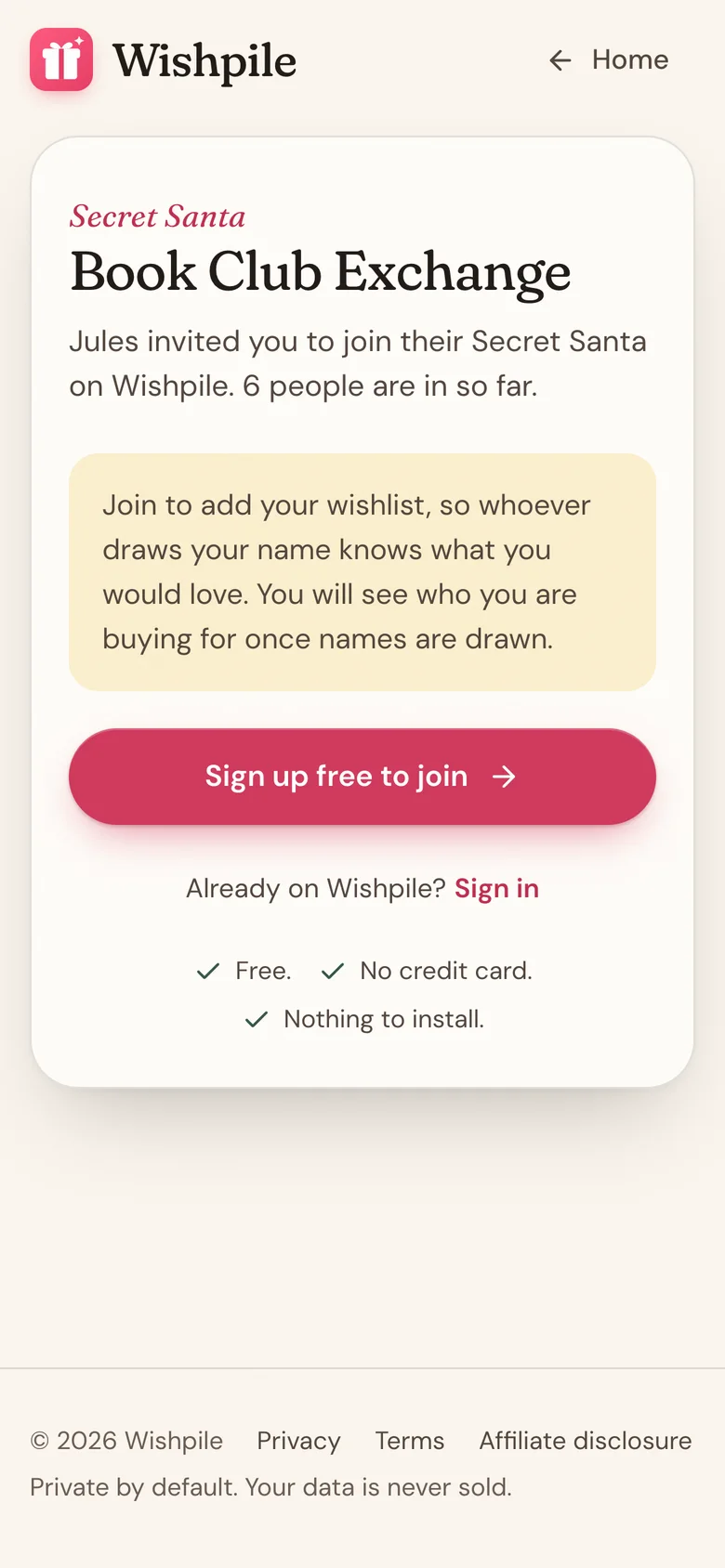
The link only works until names are drawn. If it says the exchange is closed, ask the organizer to add you.
For organizers: invite everyone with one link
Open your Secret Santa's card and tap Invite with a link, then Share link to drop it in your group chat. Anyone with the link can join straight away, no approval needed, until you draw names. After that the link turns new people away, so a late joiner can't end up left out of the draw. Reset the draw, or start a new one next year, and the link works again.
New people show under New through your link on the group card, and on days someone joins you get one email listing who. Tap Looks good, or Remove anyone who shouldn't be there. Someone you remove can't use the link to come back.
If the link went further than you meant, tap Invite with a link, then Make a new one. The old link stops working straight away.
For organizers: someone has no email
A participant you added without an email can still use their personal link to make a wishlist. Tap the ... button on their row and Copy share link to send it to them.
They can't see who they drew, though, because their spot isn't tied to an account. To fix that, add their email:
- Tap the ... button on their row, then Edit member.
- Type their email and tap Save changes. Wishpile emails them their invite.
- Once they create an account with that email, their spot links to it and they can see who they drew.
Their wishlist and their match stay as they are, so you don't need to draw again. The same steps fix a misspelled name or a wrong email. If you change an email that already got an invite, the old link stops working and the new address gets a fresh one.
Related
Still stuck?
Ask Wishpile and get an answer in seconds, or email support@wishpile.com and a real person will get back to you. Quick answers live in the FAQ.