Once everyone's in the group and your exclusions are set, one tap draws names. Each person, you included, sees only who they're buying for.
Steps
- Tap Wishlists in the bottom bar, then tap your Secret Santa group's card to open it.
- Check that everyone taking part is listed.
- On the draw card under Draws, tap Draw Names.
- Tap View Assignment to see who you're buying for, the suggested budget, and a link to their wishlist.
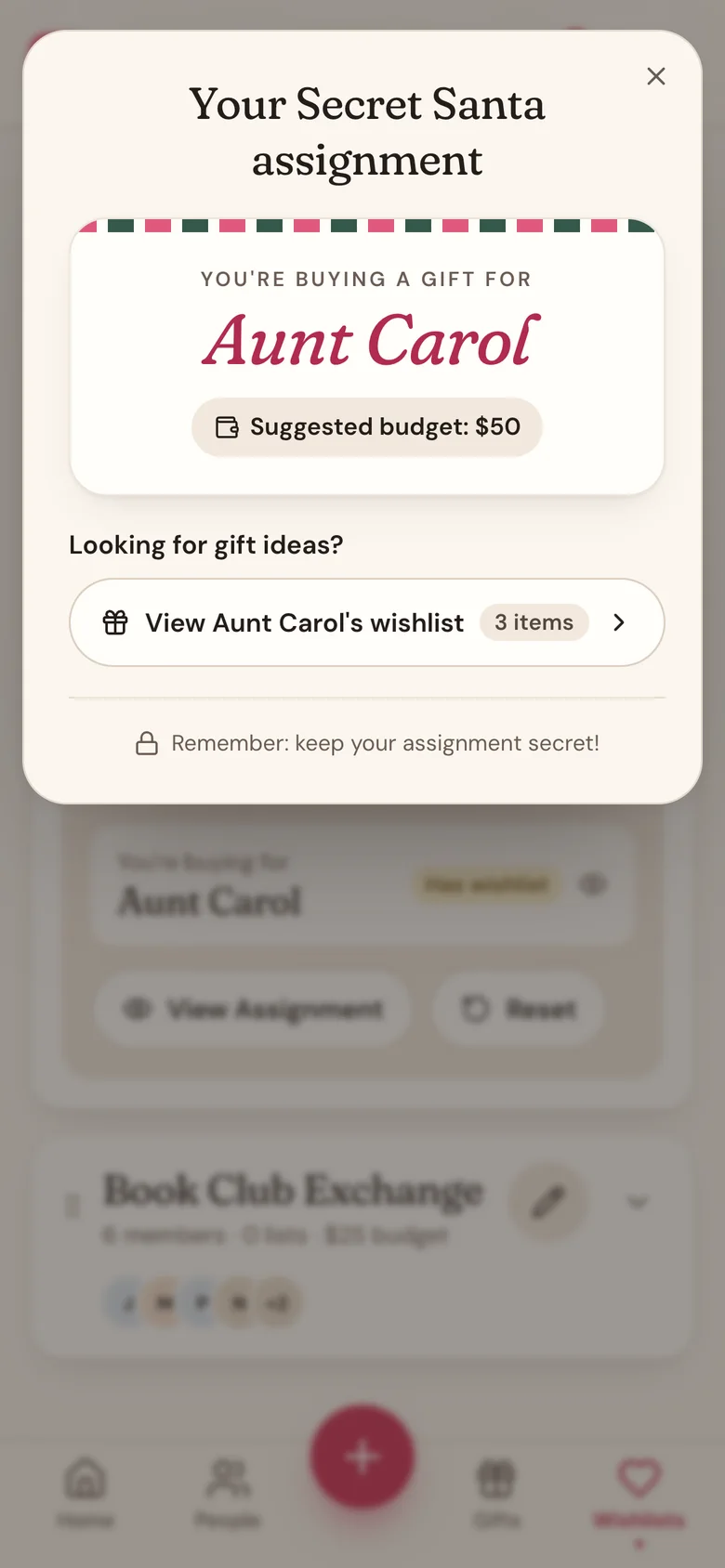
Your Secret Santa Home
Tap the name at the top of Home and pick the group under Secret Santa. Before the draw, Home says names haven't been drawn yet and nudges you to add your own wishlist. After the draw, it shows who you're gifting, the budget, days to the exchange, where it is, how your gift is coming along (see Track your gift below), the top wishes from their list, and Messages for asking them a question anonymously.
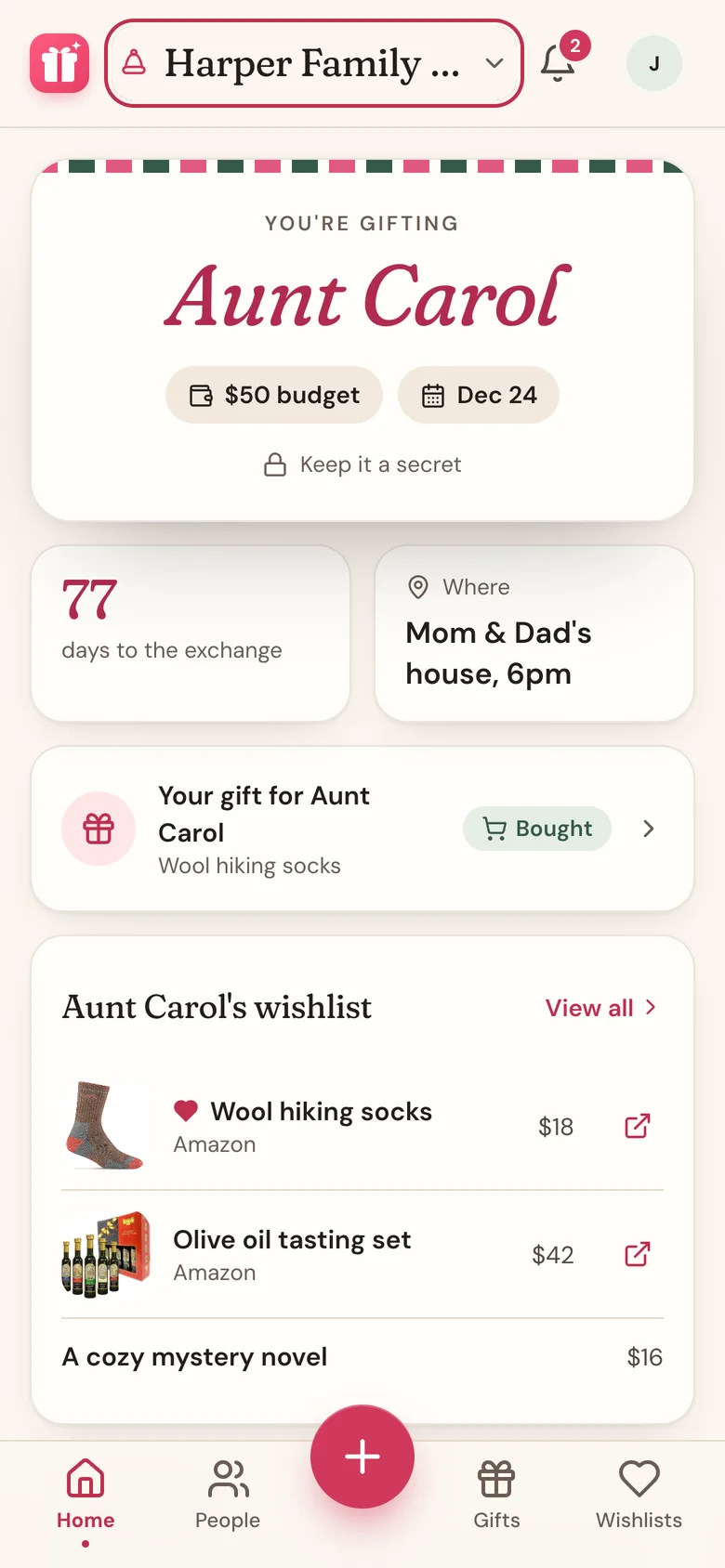
Track your gift
Plan your Secret Santa gift like any other gift in Wishpile, from Idea to Bought to Wrapped.
- On your Secret Santa Home, tap Track my gift.
- Pick one of your gift lists (or a new one for the exchange) and tap Add [name]. If they're already on that list, Wishpile uses them.
- Add the gift, then move it along as you shop.
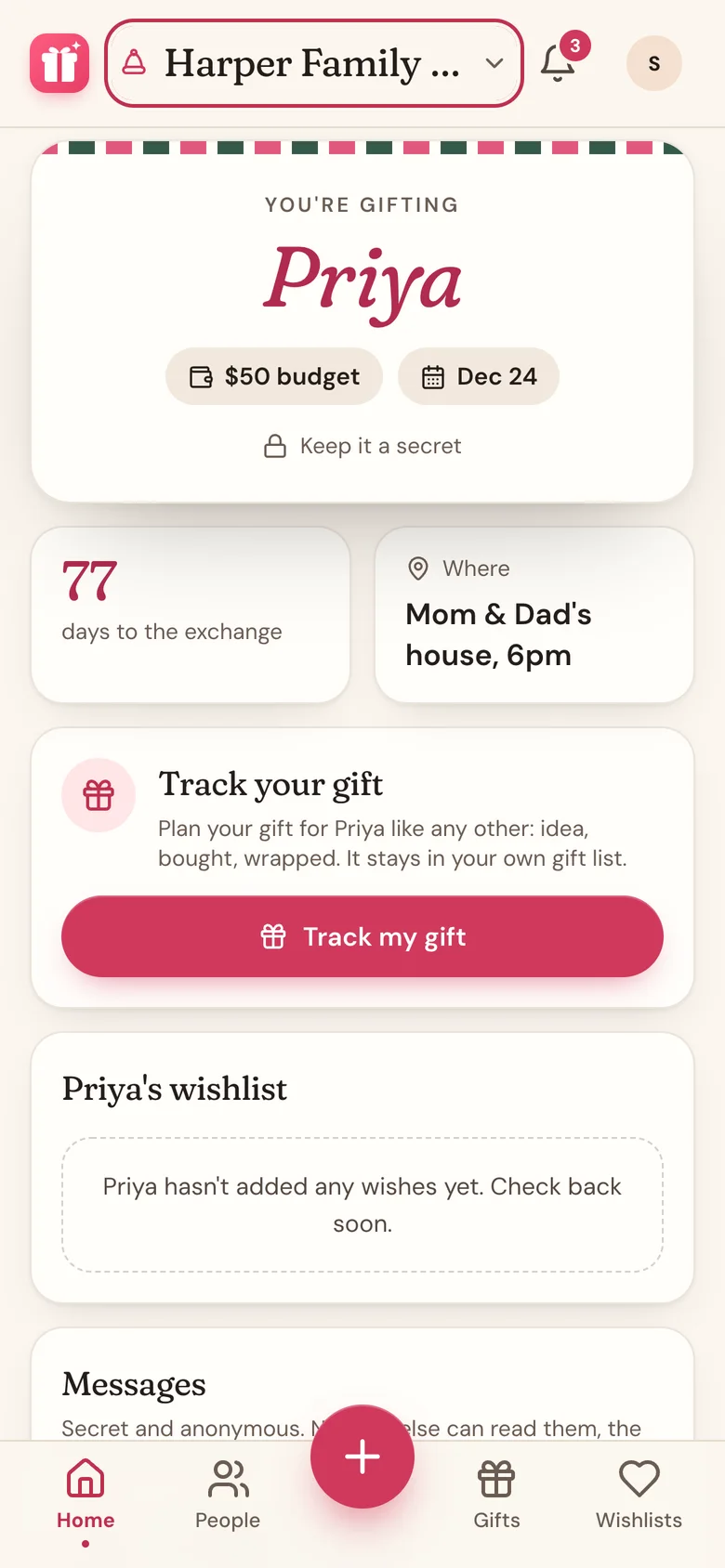
From then on, Home shows Your gift for [name] with how far along it is. Tap it to open the gift. It lives in your own gift list, so nobody in the group sees it. If you're in a household, your household can, since they see your lists.
Changes after the draw
Adding someone after names are drawn? Tap Reset on the draw card, then Reset Draw. That clears everyone's matches and puts the draw back to Draft. Add them, then tap Draw Names again.
Removing someone who was in the draw resets it for you. The confirmation warns you first, and afterward the draw is back to Draft, ready for Draw Names.
Either way, everyone gets a new match, so let the group know. Just fixing a name or an email? Use Edit member in the ... menu on their row instead. That keeps everyone's matches.
A second exchange in the same group
Tap New draw next to Draws. Fill in the Draw name, Suggested budget (optional), Exchange date (optional), and Location (optional), then tap Create draw. Each draw keeps its own exclusions and matches.
To change a draw's name, budget, exchange date, or location, tap the pencil icon on its card, then Save changes.
Good to know
- You need at least two people to draw names.
- Nobody sees the full list of who drew whom, not even the organizer.
- Participants see their match only when they're signed in with the email they were invited with. See For participants: what you need to do.
Related
Still stuck?
Ask Wishpile and get an answer in seconds, or email support@wishpile.com and a real person will get back to you. Quick answers live in the FAQ.