When someone invites you to help with a gift, or with everything for one person, it shows up in your own Wishpile. You can pitch in without seeing the rest of their list.
Steps
- Open the invite email and sign in to Wishpile with the address it was sent to. No account yet? Create one with that email. Wishpile adds you and says You've been added as a coordinator. (If someone added you from their household or group, there's no email. It just appears.)
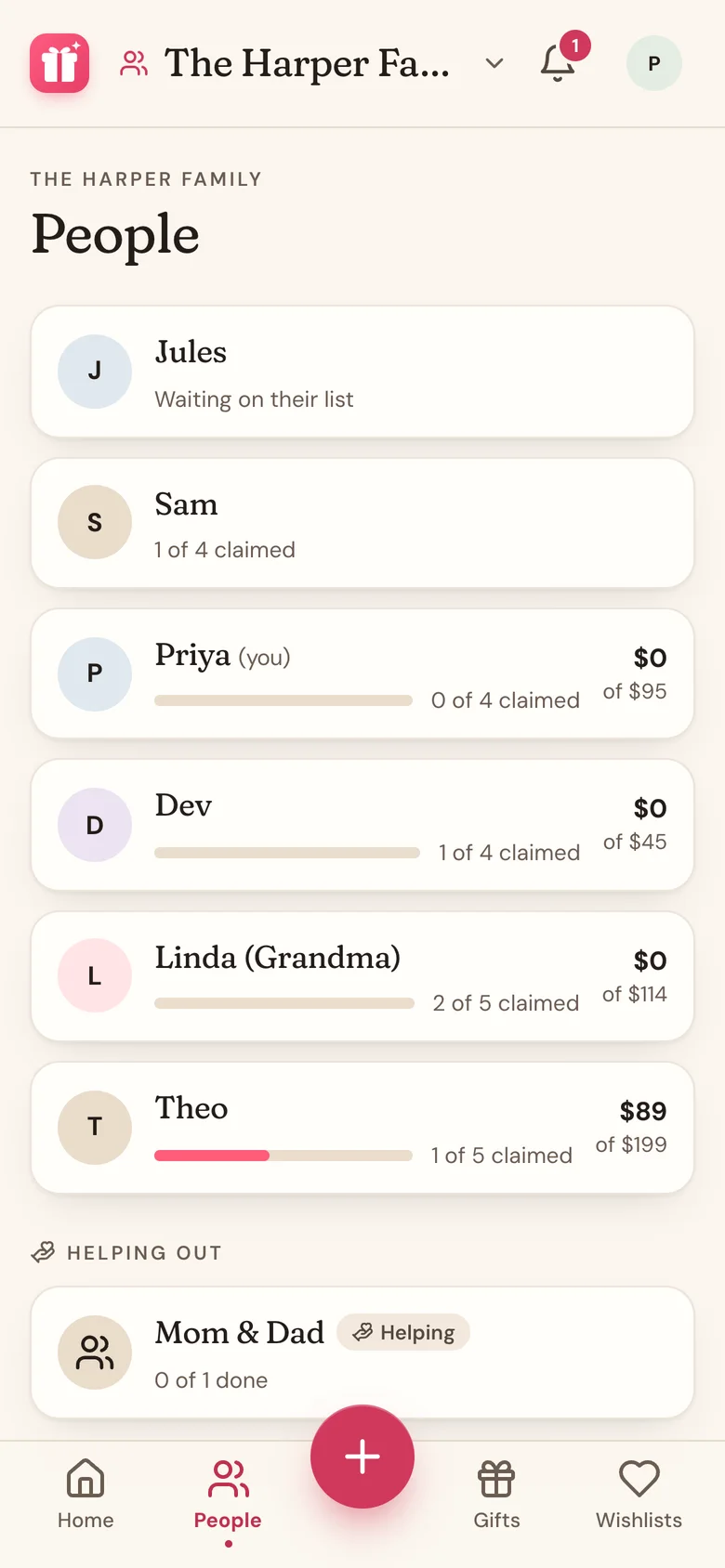
- Tap People. The person you're helping is under Helping Out at the bottom, with a Helping badge.
- Tap them. Under their name it says You're helping with a gift here (one gift) or You're helping plan for them (every gift for this person).
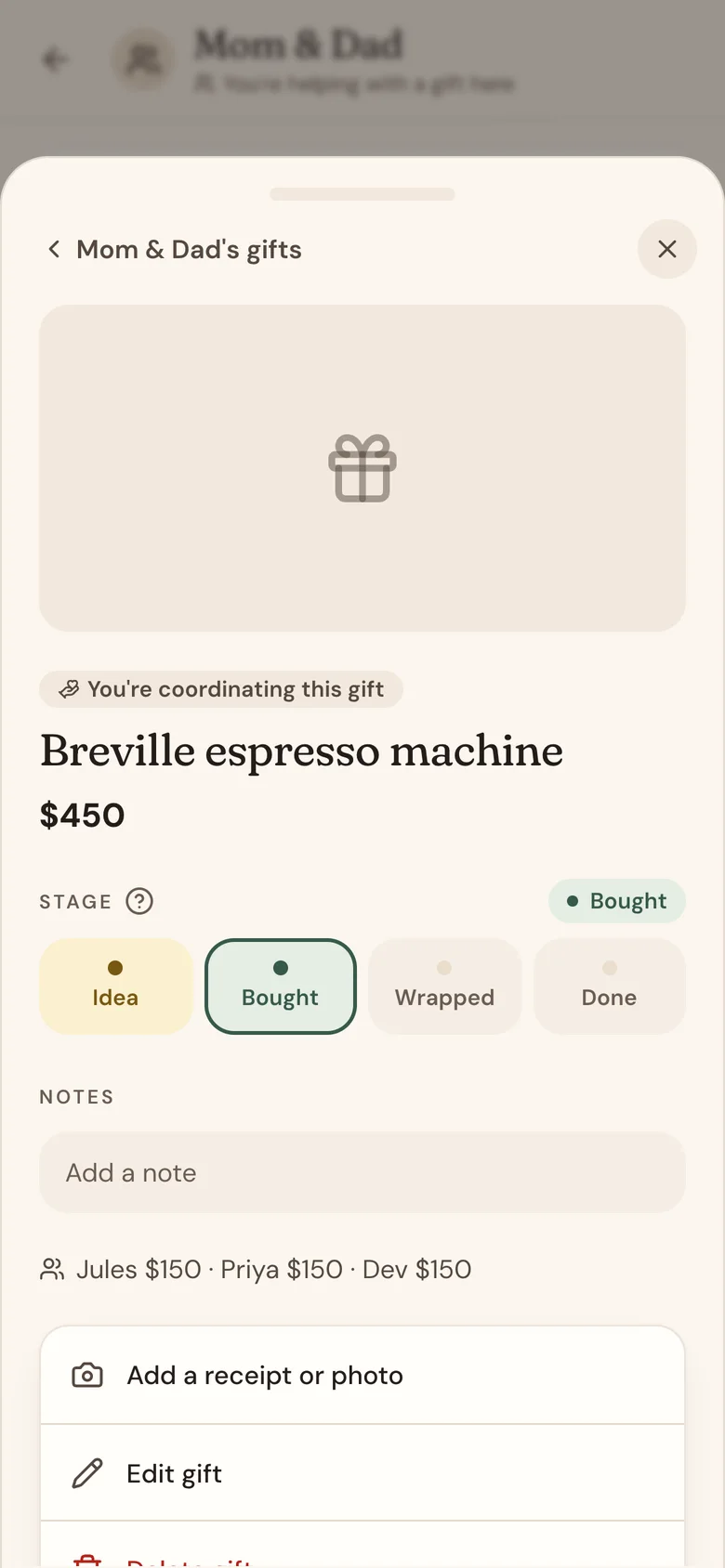
- Tap a gift to open it. Gifts you coordinate are marked You're coordinating this gift.
- Change the stage or notes right there, or tap Edit gift to change the price, link, store, or who chipped in.
What you can and can't change
- You can edit or delete the gifts you're helping with.
- Helping with a whole person? You can also add gifts for them with the + button. They go on the organizer's list.
- You can't edit or delete the person, or see anyone else on their list.
Good to know
- Helping Out shows on the People and Gifts tabs no matter which list or group is picked at the top.
- The gifts you help with don't count toward your own lists or budget.
- Wishpile never lets you help with a gift meant for you, so your own surprises stay safe.
- To stop helping, ask the person who invited you to remove you.
Related
Still stuck?
Ask Wishpile and get an answer in seconds, or email support@wishpile.com and a real person will get back to you. Quick answers live in the FAQ.