Someone sent you a link to their wishlist. Claiming a gift tells everyone else it's taken, so nobody buys the same thing twice. You don't need a Wishpile account.
Steps
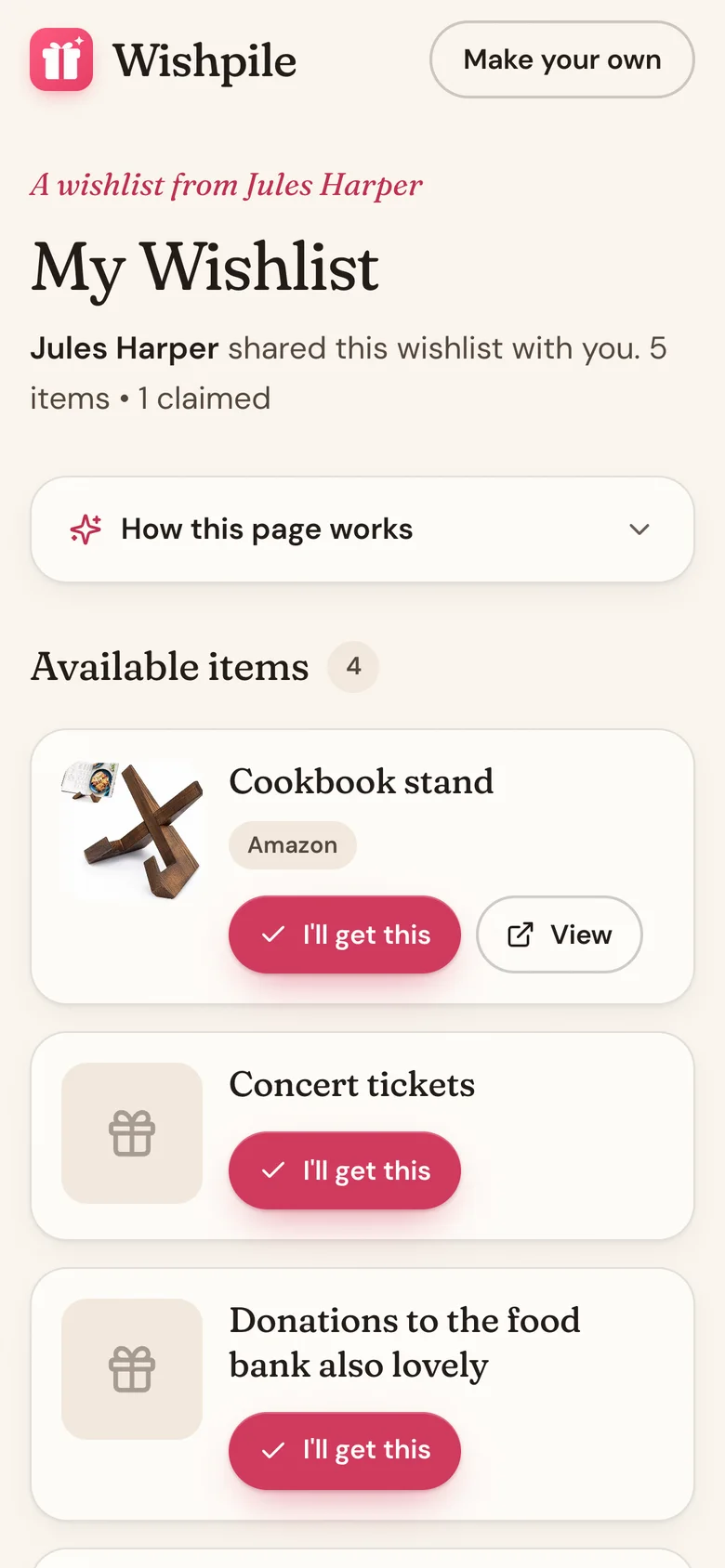
- Open the link you were sent. You'll see whose list it is and everything on it under Available items.
- Tap View on an item to see it on the store's website.
- Found the one? Tap I'll get this.
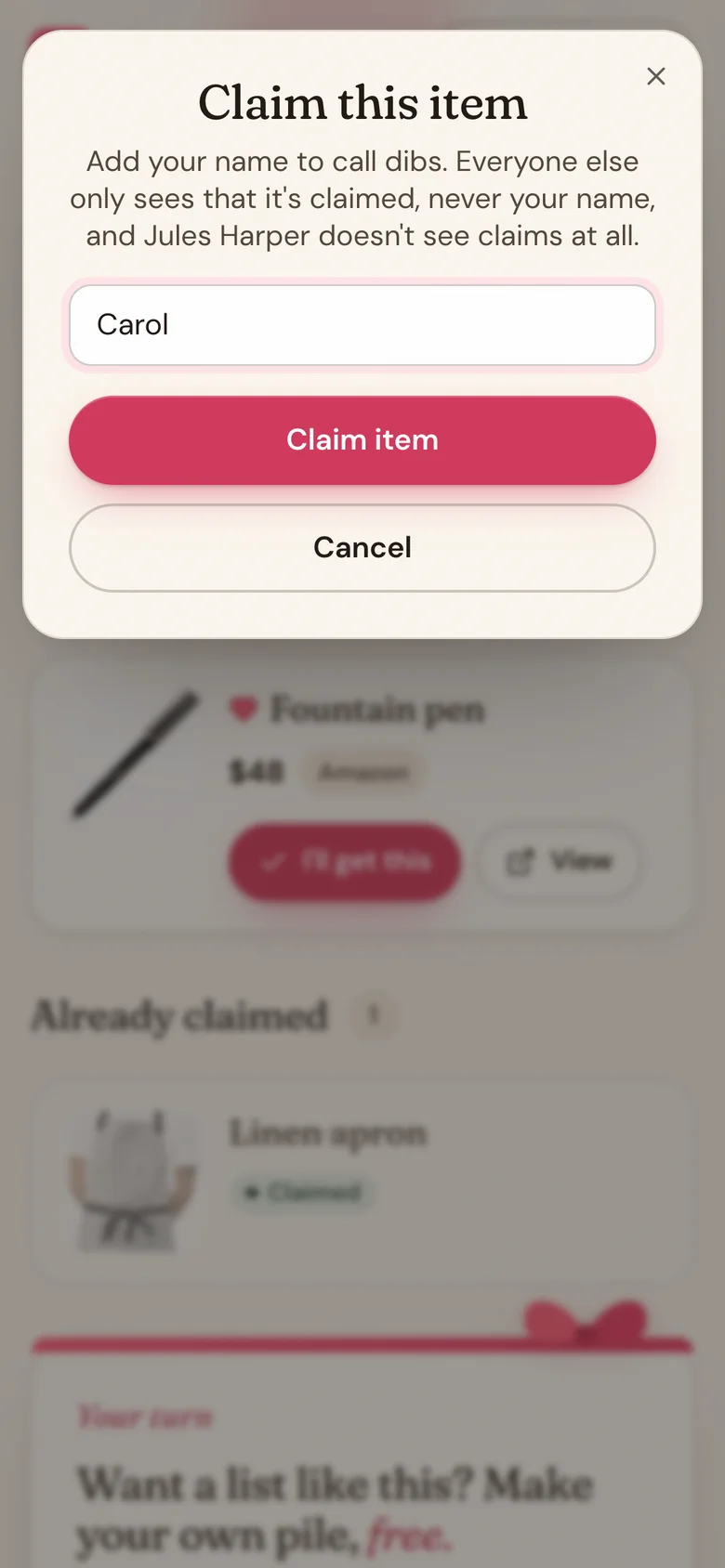
- Type your name and tap Claim item.
- You'll see It's yours to give. Tap Done. The item moves to Already claimed.
Good to know
- Claiming doesn't buy anything. It just calls dibs. Buy the gift from the store as you normally would.
- Nobody sees the name you type. Everyone else just sees Claimed, and the list's owner never sees who claimed what, or even that something is claimed.
- If someone claims it a moment before you, you'll see Someone else just claimed this item and the list updates.
- Signed in to Wishpile? You'll get a quick confirmation instead of the It's yours to give screen.
- Not sure how it works? Tap How this page works at the top of the list.
- Changed your mind? You can remove your claim, but only from the same browser you claimed in.
Related
Still stuck?
Ask Wishpile and get an answer in seconds, or email support@wishpile.com and a real person will get back to you. Quick answers live in the FAQ.