Claimed a gift and changed your mind? Remove your claim and the item goes back to available, so someone else can get it.
Steps
- Open the wishlist link on the same phone or computer, in the same browser you used to claim.
- Scroll down to Already claimed.
- Tap Remove my claim under the item. It moves back to Available items.
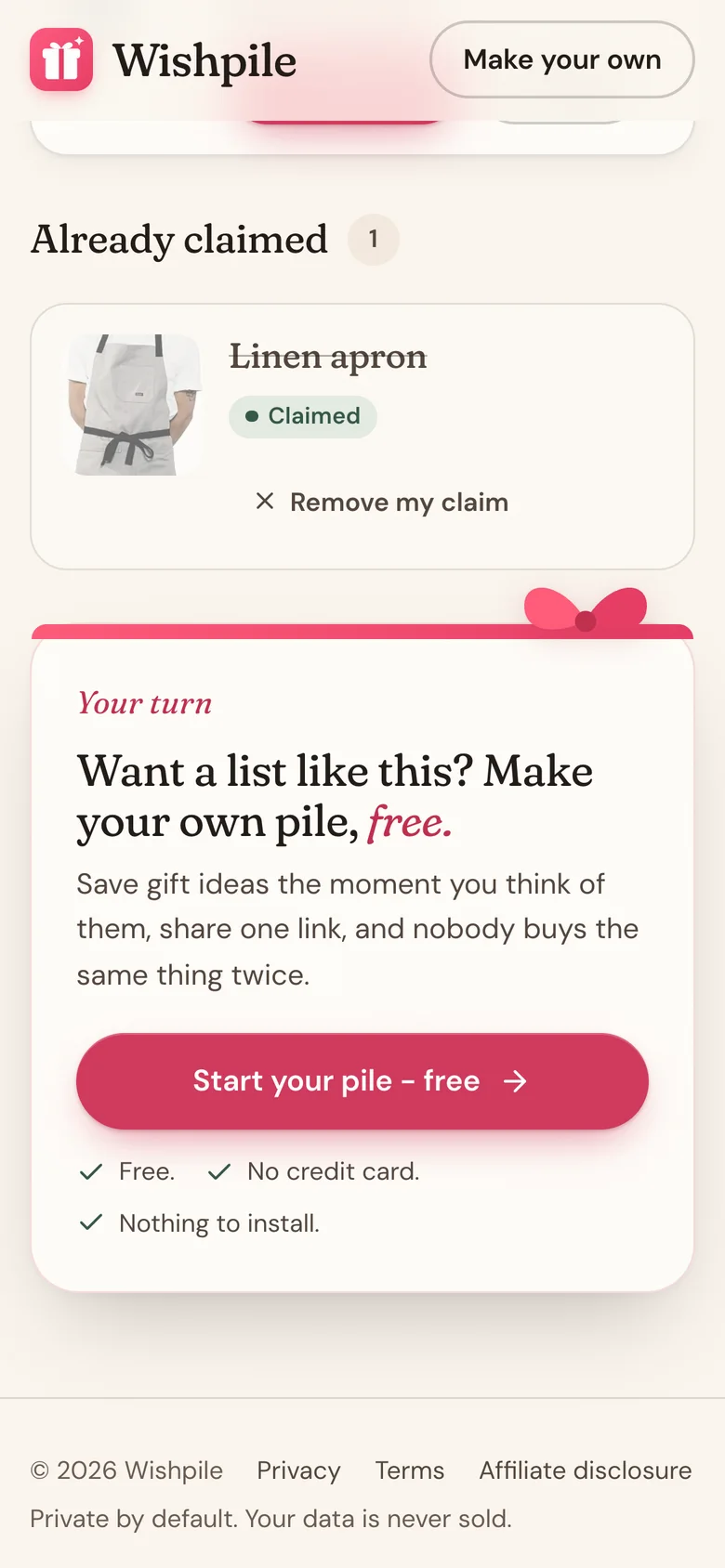
Don't see Remove my claim?
Your browser remembers which gifts you claimed, not your Wishpile account. So the button only appears in the browser you claimed from. It won't show if you:
- open the link on a different phone or computer, or in a different browser app
- claimed in a private or incognito window
- cleared your browsing data since you claimed
Signing in doesn't bring it back.
Nobody else can remove your claim either: not other visitors, and not the list's owner, who can't see claims at all. If the gift really needs to go back on the list, the only way is for the owner to delete the item and add it again. Asking them will let them know someone had claimed it.
Related
Still stuck?
Ask Wishpile and get an answer in seconds, or email support@wishpile.com and a real person will get back to you. Quick answers live in the FAQ.